A renewal you forgot about charges on the 14th. A free trial converts on the 22nd. Insurance lands the same week as two utility bills, and by the time everything settles, a late fee has cost more than a year of any app on this list.
That's the job a bill reminder app does. Not remembering for you, but showing you what is coming before it hits your account. Households slip in clusters: at the end of 2024, 3.25% of California consumer borrowings had newly become at least 30 days delinquent, the highest rate since the first quarter of 2016, according to New York Fed data reported by The San Diego Union-Tribune.
The seven picks below split by reminder philosophy: calendar-first trackers you drive yourself, bank-synced apps that detect bills for you, and subscription-focused tools that hunt renewals. I weighed alert reliability, calendar integration, subscription detection, automation, and Canadian availability. The logic behind rent payment reminders for small landlords applies to your own household too: a reminder only helps if it arrives while there's still time to act.
1. Fintrack
A bill reminder tells you what's due. Fintrack tries to answer the harder follow-up: whether the money is there and what to cut if it isn't. It sits at the manual end of this list's reminder philosophies, since transactions enter through chat, voice, CSV upload, or a plain form rather than a live institution feed, and Finny, its AI assistant, turns that input into budgets, goals, and alerts on one dashboard across web and mobile.
Where It Fits in a Bill Workflow
Most bill tools stop at "this is due on the 15th". The harder question is what to do when the money isn't there. Utility arrears and heavy utility burdens are a real pressure point for households, and a reminder that produces worry without a ranked next step just makes the month worse.
You can ask Finny about spending, budgets, goals, and accounts by text or voice. Type "I spent $45 at Target on groceries" and it files the transaction under the right category. Velocity alerts warn when your spending pace points past a budget before month-end, real-time spending alerts flag unusual activity and duplicate charges, and subscription detection pulls recurring charges back into view. Budgets can also link directly to savings goals, so trimming a category feeds a target rather than vanishing into a general balance.
The trade-off: any reminder engine only protects bills it knows about. If you won't type a bill in or import a statement, nothing catches it for you.
- Strong on: combining budgets, transactions, income, and goals in one view, with plain-language questions through Finny.
- Extra value: the Benefits Wallet keeps insurance policies, employer benefits, credit card rewards, and memberships in one place, tracking annual values, rollover amounts, and expiration dates so dormant credits surface before they lapse.
- Households: shared accounts, transactions, budgets, and goals, which helps when two people pay different bills.
- Cost: the Free plan includes manual expense tracking, CSV imports, and basic AI chat.
- Watch for: early-user testimonials are individual reports rather than typical results. "Finny found three subscriptions I'd forgotten about. Saved $47 a month.", Marcus
The site states bank-level encryption, SOC 2-compliant infrastructure, and GDPR-ready practices. Read the guide to personal finance automation before you wire reminders into autopay. Website: fintrackai.app
2. ClearDue Bill Tracker
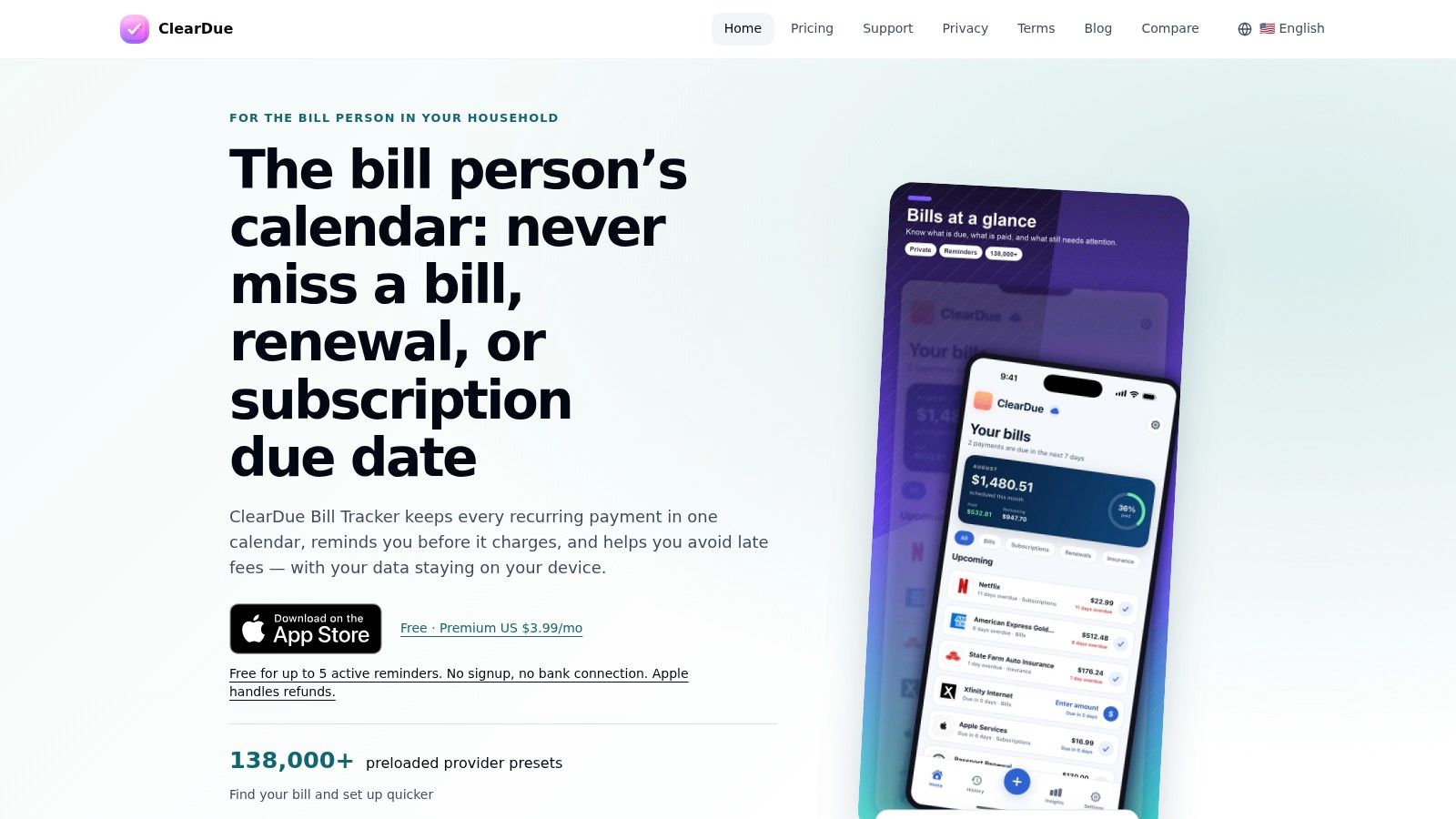
ClearDue is the bank-free option in this roundup. It's a Canadian-designed bill and subscription tracker for iPhone and iPad that keeps bill details and payment history on your device, with no account and no institution connection. You enter the bill once, choose the due date, and mark it paid when it clears. For anyone unwilling to hand bank credentials to a third-party app, that trade is the whole point.
Manual tracking rewards precision on credit cards. For cards issued by federally regulated Canadian institutions, the Financial Consumer Agency of Canada requires an interest-free grace period of at least 21 days on purchases, counted from the last day of the billing period, and it only protects you if the full balance is paid by the statement due date. Californians are drifting the other way: 1.27% of credit balances were at least 90 days late in the first quarter of 2024, up from 0.96% at the start of 2023, per New York Fed data reported by the Los Angeles Daily News.
- Provider presets: searchable presets for thousands of Canadian providers, plus custom entries for anything missing.
- Views that matter: upcoming, overdue, and paid payments in separate lists, with variable-amount tracking and payment history.
- Widgets: home-screen reminders for the next few days. Premium adds Apple Calendar integration and optional iCloud sync.
- Limits: Apple-only, and every bill is entered and marked paid by hand. The App Store listing has few ratings, so public review evidence is thin.
That manual overhead is smaller than it sounds. A household with a dozen recurring bills spends a few minutes a month marking payments, and in exchange nothing about its finances sits on someone else's server. If a due date lands on a weekend, read the guide to credit card payment timing before you assume you're late. Website: cleardue.net
3. Payment Calendar
Payment Calendar bets everything on one view: a month grid showing each amount due, the monthly total, and what is left to pay. You enter a bill once, set its recurrence, and the shape of the month is readable at a glance. Anyone who budgets as "the first week is heavy, nothing after the 15th" will parse this faster than a running list.
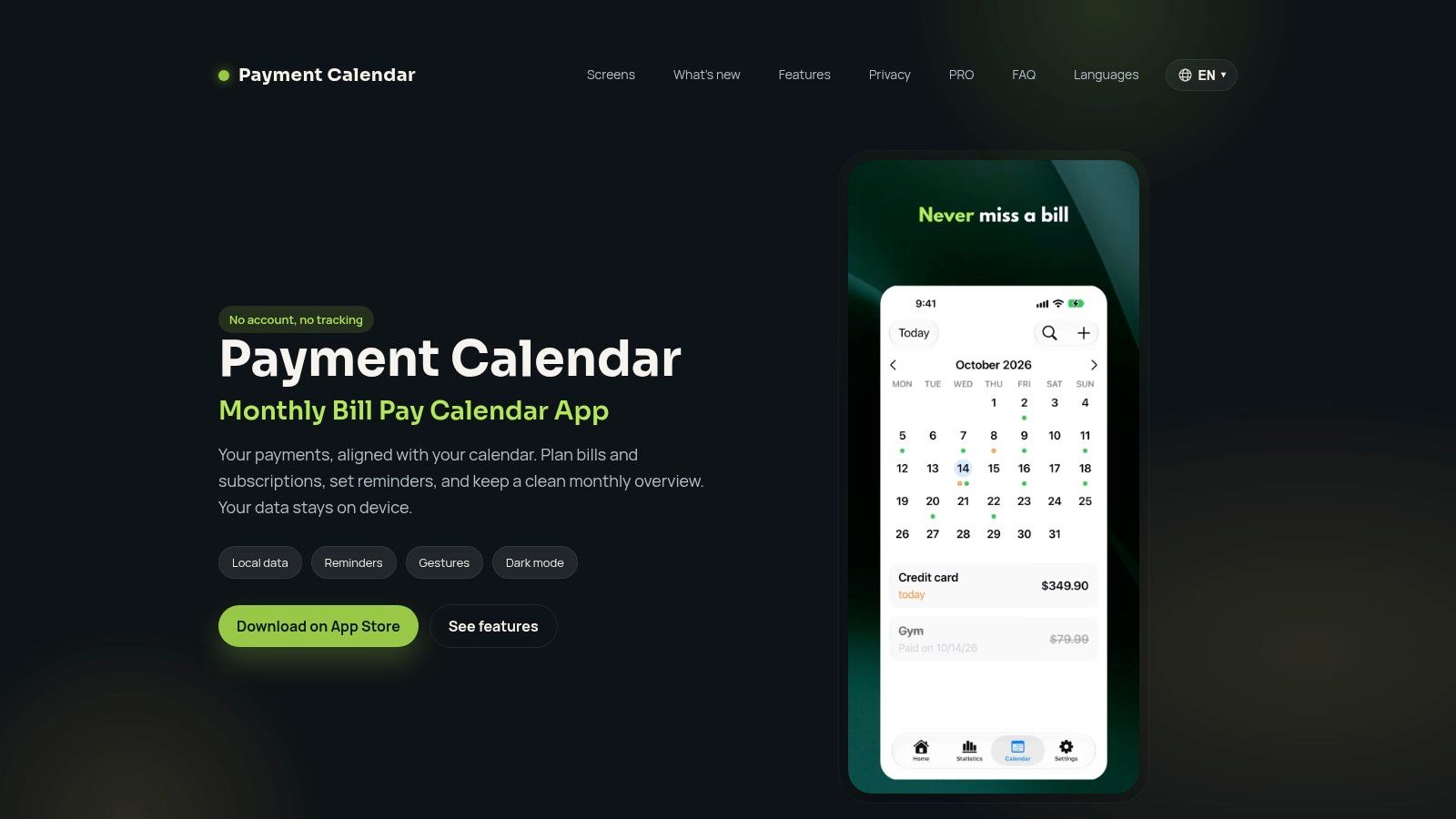
Variable amounts get proper handling. A bill that swings with usage can carry a different figure each cycle, and groups keep household, work, and personal obligations separate so one calendar does not turn into noise. Nothing here depends on a bank feed, so it works the same in Canada as anywhere else, and it supports 40 currencies.
Due-date mechanics deserve their own setting. The Financial Consumer Agency of Canada notes that issuers process payments on business days, Monday through Friday, and that a payment made the next business day after a weekend or holiday due date counts as on time. That tolerance doesn't cover the minimum payment itself: miss it and you can face a higher interest rate, credit-score damage, or a lost promotional rate.
Submetered utilities show why variable entries matter. Anyone paying Metergy bills with Axis Meter Solutions sees the pattern: the total follows consumption rather than a fixed monthly figure, so a reminder holding last month's amount drifts fast.
- Free tier: up to 20 recurring payments and three groups.
- Premium: home-screen widgets and shared-calendar editing.
- Trade-offs: no bank matching, everything keyed in by hand, and the App Store listing is still lightly reviewed.
- Website: payment-calendar.app
A month grid also exposes an empty stretch before payday at a glance. Pair it with a monthly bill tracker if you want the same due dates broken down week by week.
4. TailTab
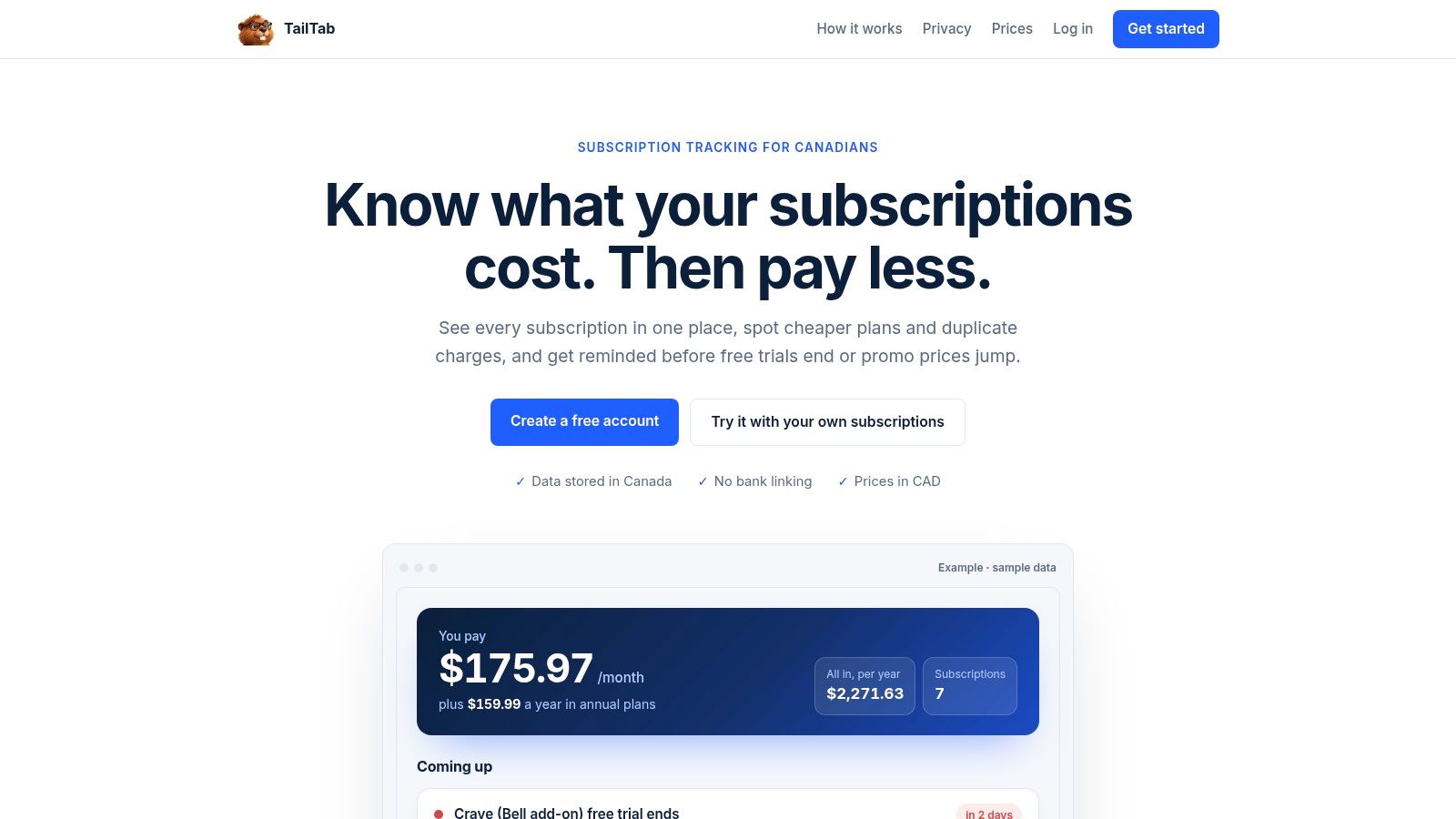
TailTab is a web app aimed squarely at Canadian subscriptions and recurring service charges. You can type details in or add a bill from a photo or PDF, and it tracks trials, renewals, promotional price changes, and phone payments nearing completion, all in Canadian dollars.
The need is bigger than people assume. A 2024 Canadian survey found respondents first estimated four recurring subscriptions but identified about eight after walking through specific categories; 66% said they'd paid for a subscription they'd forgotten, and more than 70% had intended to cancel after a free trial or promotional period but missed the deadline, as reported by the National Association of Federal Retirees.
Timing rule: an alert about an automatic withdrawal is useless if it arrives after you can no longer change it.
That window is narrower than many expect. Canada Revenue Agency guidance says a pre-authorized debit scheduled within the next five business days can't be cancelled or modified through the relevant PAD management process, though later payments in the agreement still can be, per CRA's pre-authorized debit help. So a reminder three days before a trial ends is decoration. Seven to fourteen days is a decision.
- Privacy: no bank or card details required, and the privacy policy says data is stored in Canada.
- Calendar: optional Google, Apple, or Outlook reminders alongside email alerts.
- Price checks: flags possible duplicates and cheaper Canadian plans.
- Limits: built for subscriptions rather than every bill, manual entry throughout, and bill-photo processing may involve an AI provider outside Canada.
Website: tailtab.ca
5. Emma
Emma is a budgeting and account-aggregation app, and its Canadian version connects to the Big Five banks plus more than 100 other institutions. Bill and subscription tracking sits inside that wider picture instead of standing alone, which is either the appeal or the dealbreaker.
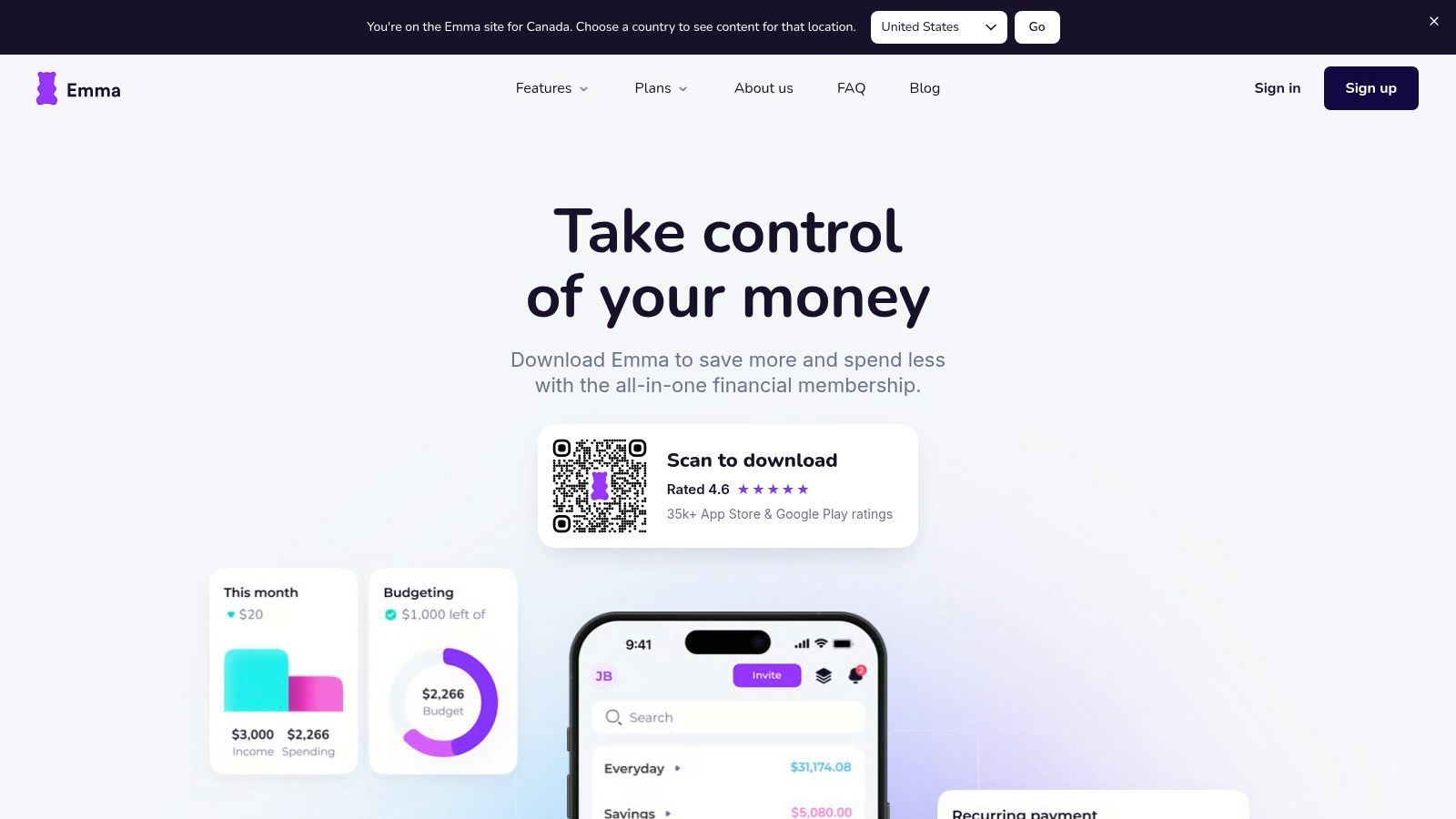
The case for aggregation is fragmentation. Bank of Canada research on bill payments found that consumers hold roughly eight bills and use two to three payment methods; 75% used pre-authorized debits for at least one recent bill and 69% used online bill payments, with credit cards and cheques trailing, according to the Bank of Canada staff working paper. When obligations are spread across debits, online banking, and a card, one view earns its place.
Two catches you'll hit quickly. Bill reminders aren't in the free Basic tier, and the help centre says reminders go out on Sundays and can't be rescheduled, which is awkward if a bill falls due on Monday. Paid plans include a seven-day trial, so you can test that timing yourself.
- Best for: people who want reminders plus spending analysis in one place.
- Canadian availability: yes, with real bank connections rather than manual entry.
- Watch for: connections that don't work with every institution, and a reminder schedule you can't adjust.
- Website: emma-app.com
If you'd rather separate subscription hunting from budgeting, the subscription management app guide covers that split.
6. PocketGuard
PocketGuard answers a different question: after the bills are paid, what's left? It's available in Canada, the US, and the UK on web, iPhone, and Android, and it pairs recurring-bill tracking with a cash-flow view built around your remaining balance.
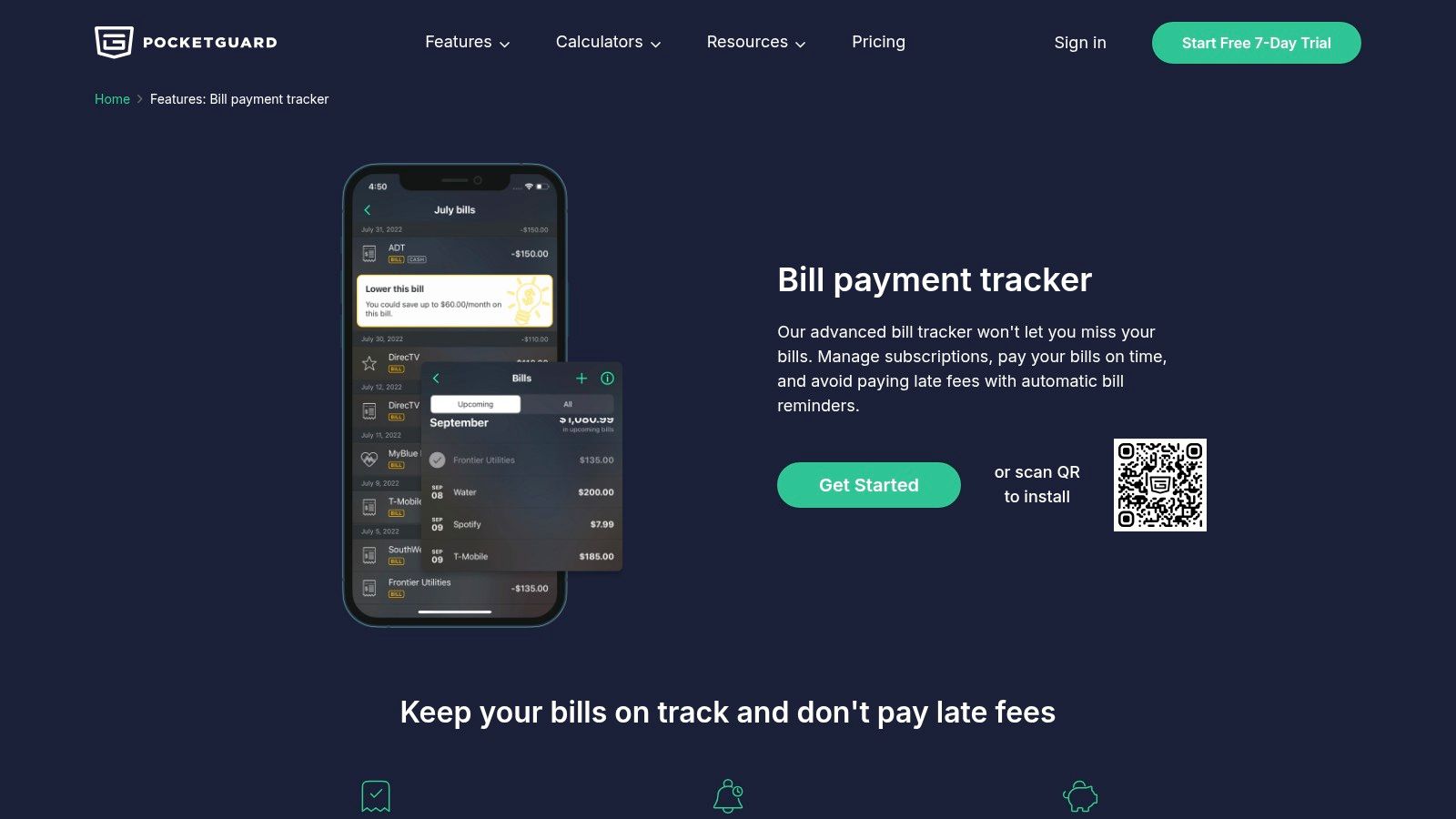
That framing matches how people get into trouble. In a Public Policy Institute of California survey of 2,250 adults conducted October 3 to 19, 2023, 18% of Californians said they or someone in their household had been unable to pay a monthly bill in the previous year, and about 23% worried every day or almost every day about paying bills or the amount of debt they owed, per PPIC's statewide survey. A number telling you what survives after known bills beats another due-date ping.
Manual bill entry and prediction of recurring costs are supported, so you can start without linking anything. Subscription tracking and tools for reviewing unwanted subscriptions are included, and the Premium plan comes with a seven-day trial.
- Pricing: Premium is listed in US dollars, so the final Canadian charge moves with the exchange rate.
- Trade-off: credit-card payment tracking needs care, or you'll count the purchase and the repayment twice.
- Watch for: if reminders are all you need, account linking and auto-detection may be more access than you want to grant.
- Website: PocketGuard bill payment tracker
Where subscriptions are the main leak, a roundup of free subscription trackers gets you further than a full budgeting app.
7. GetDuely
GetDuely is the simplest shape here: a standalone bill manager advertised for Canada and the US, delivered as an installable mobile web app rather than an app-store download. You enter bills, receive push reminders, and see overdue payments and payment history in one dashboard. The site says it stays usable offline once installed.
Overdue views earn their keep with essential services. The California Public Utilities Commission's report covering 2019 to 2023 on residential electric and gas disconnections records disconnections and reconnections for nonpayment as zero in 2021, because a moratorium remained in place from 2020 through 2022, so that year's figures can't be read as normal, per the CPUC disconnections report. The same report describes steps used to reduce shutoffs, including waiving residential late fees and deposits and offering payment plans, with reconnection available after paying past-due charges or entering an accepted plan.
A reminder app can log a cancellation request. It can't cancel the contract behind it.
That distinction matters. Stopping a pre-authorized debit doesn't end the agreement or erase the amount owed: the Financial Consumer Agency of Canada says you must notify the biller in writing, keep a copy, and watch the account, and if withdrawals continue you generally have 90 days to ask your financial institution for reimbursement.
- Best for: a focused reminder dashboard without a budgeting suite.
- Trade-offs: independent review evidence is limited, bills are entered manually, and automatic bank syncing isn't described.
- Prudence: read the privacy and payment terms before entering account details.
- Website: getduely.com
Bill reminder apps compared at a glance
| Item | Platforms | Reminder style | Subscription detection | Bank connection needed | Best for |
|---|---|---|---|---|---|
| Fintrack | Web and mobile | Real-time spending alerts | Subscription detection offered; details not specified | Not specified | Budgeting, spending insights, and potential subscription savings |
| ClearDue Bill Tracker | iPhone and iPad | Bill and renewal reminders | Manual tracking; no automatic detection described | No | Privacy-focused manual tracking with Canadian provider presets |
| Payment Calendar | iPhone and iPad | Due-date reminders and calendar view | Manual tracking; no automatic detection | No | Organizing bills by date, group, and currency |
| TailTab | Web | Email and optional calendar reminders | Manual entry; no bank transaction matching | No | Tracking Canadian subscriptions, trials, and renewal changes |
| Emma | Not specified | Bill reminders on paid tiers; sent Sundays | Tracks recurring payments and unwanted subscriptions | Offers bank connections; requirement not specified | Combining bill reminders with budgeting and spending analysis |
| PocketGuard | Web, iPhone, and Android | Upcoming and recurring bill tracking | Subscription tracking and review tools | Account linking is available; requirement not specified | Bill reminders with budgeting and cash-flow context |
| GetDuely | Installable mobile web app | Push notifications and overdue-payment views | Not specified | Not described | A standalone bill reminder dashboard with payment history |
How to Choose the Right Bill Reminder App for You
Three questions settle most of it. If you want control and no credentials shared, pick a calendar-first tracker and accept the data entry. If bills hide across several accounts, pick a bank-synced app and accept the linking. If the leak is renewals you've stopped noticing, pick a subscription-focused tool and treat renewal dates as the thing to track.
California readers have one more reason to keep records. The state's strengthened Automatic Renewal Law took effect in July 2025, requiring clearer affirmative consent, retainable disclosures, easier online cancellation, advance notice of certain price changes, trial-expiration notices, and annual reminders for some yearly subscriptions. Enforcement isn't theoretical: California authorities reached a $7.5 million HelloFresh settlement in August 2025 over alleged failures involving consent, disclosures, acknowledgments, and cancellation, as Arnold Porter's advisory summarizes. Save the original offer, the renewal price, the notice date, and your cancellation confirmation.
- List every recurring charge. Work from statements and card exports, not memory. It's easy to underestimate by roughly half.
- Decide manual or synced. Manual if you won't share bank credentials, synced if you have many accounts and want detection.
- Test the free tier for one full billing cycle. A month tells you whether alerts arrive in time and whether variable amounts are handled.
- Verify Canadian availability and currency. A US-priced plan and a US-only connection are two different problems.
For forgotten subscriptions specifically, the point is pairing a renewal date with the value sitting next to it: cashback, unused credits, loyalty points, expiring offers. One user report describes Finny finding three forgotten subscriptions worth $47 a month, and real-time spending alerts have caught duplicate charges that would otherwise have slipped through. The Free plan includes manual expense tracking and CSV imports for anyone who prefers to stay bank-free. See how the Benefits Wallet handles reminders, subscription detection, and benefit tracking together, and if you're still comparing tools, the budget planning features and the AI assistant overview show how the pieces connect. The same way an invoice reminder software comparison separates delivery channels from tracking features, judge these apps on whether the alert arrives before the deadline you can still change.
Fintrack brings income, spending, budgets, and savings goals into one dashboard, then puts Finny to work answering plain questions about them, so a reminder becomes a decision instead of a ping. Subscription detection, real-time spending alerts, and a Benefits Wallet that tracks cashback, credits, loyalty points, and expiry dates all live in the same place on web and mobile. If you'd rather not connect a bank, the Free plan covers manual expense tracking and CSV imports, and you can start at Fintrack.