
Meta description: Compare the best cost comparison tools in Canada for shopping, groceries, fuel, plans, insurance, and Amazon deals, then track the cost in your budget.
A sale price looks great until shipping shows up. A cheap phone plan stops looking cheap once you add extra data, activation fees, or a device balance. Even fuel can fool you when the lowest station is across town and not on your route.
That's why cost comparison tools only help when they match the bill you're trying to compare. For groceries, flyer coverage matters. For fuel, freshness matters. For a phone or internet plan, inclusions matter. For electronics, price history matters. And for anything recurring, the final test is simple. Does the actual cost still fit your budget after taxes, shipping, and monthly add-ons?
This list focuses on Canada-first decisions people make every week: shopping, groceries, gas, telecom, insurance, big purchases, and Amazon deal checking. It covers web apps, browser tools, and mobile-friendly options that are useful before you buy. After that, the job shifts from comparison to tracking. That's where Fintrack becomes useful for logging the final amount, checking recurring costs like subscriptions, and reviewing household spending patterns over time.
A quick framework keeps these tools honest: coverage, freshness, total cost, verification, and fit. If a tool helps you compare the right sellers, uses current data, gets you closer to the all-in price, gives you a way to verify the result, and fits how you shop, it's worth using.
One more wrinkle matters in expensive places. California's regional price parity is 110.7, with rents indexed at 154.3 and services at 158.9, which is a good reminder that local prices can diverge sharply from national averages. Even for Canadians, the lesson holds. Compare by region, not by headline price alone, especially when you're dealing with housing, services, or recurring bills. If you buy through marketplaces or auctions, check auction fees and landed costs before you treat any listing as the true price.
1. Google Shopping (Canada)
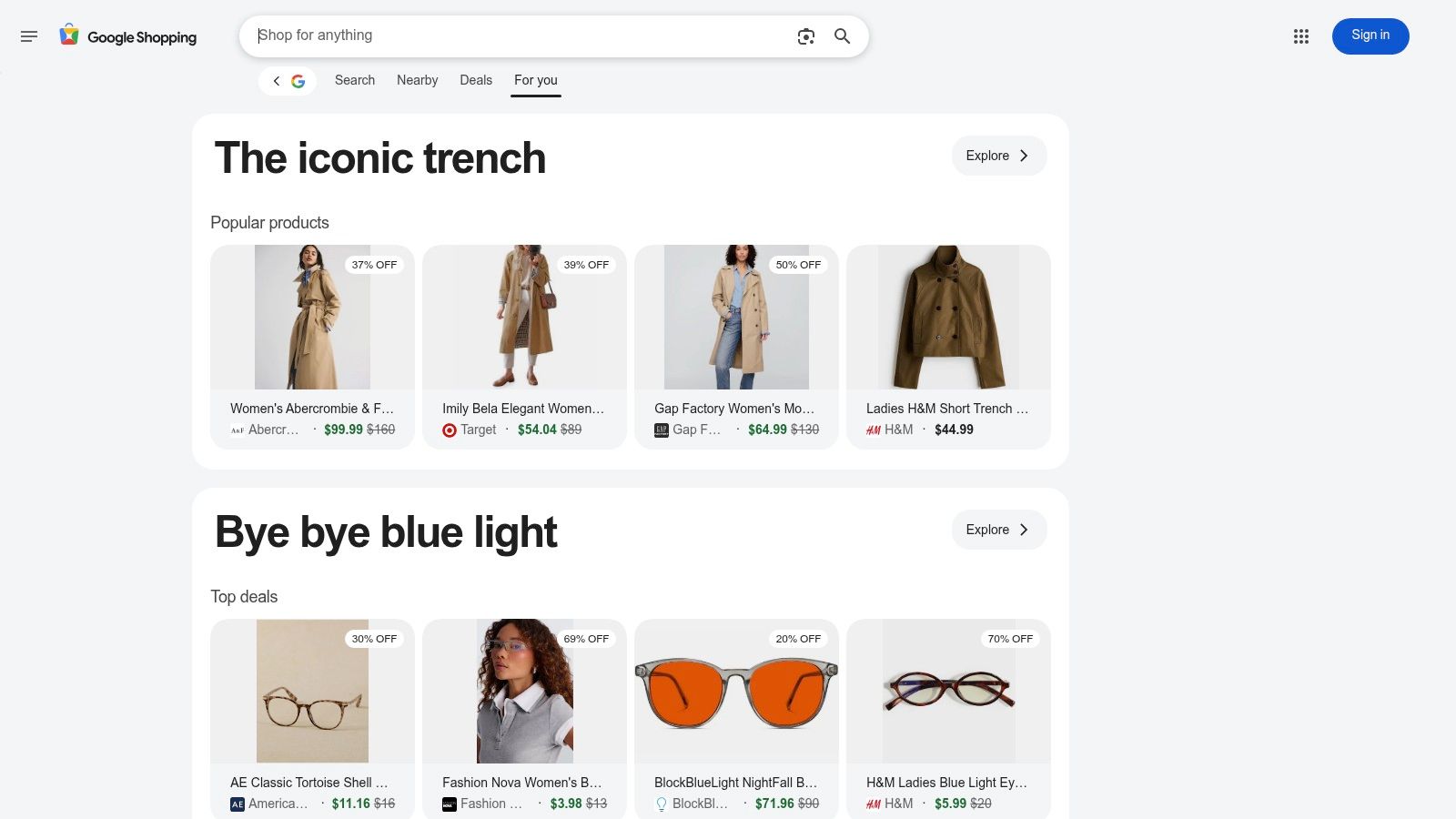
Google Shopping is the fastest broad check when you already know the product you want. Search a model name, scan offers across merchants, and use it to catch the obvious mistake of buying from the first retailer you recognise.
Its biggest strength is range. You can often see big-box stores, speciality retailers, reviews, seller details, and fulfilment options in one pass. That makes it one of the best starting points for electronics, small appliances, toys, and household basics.
Where It Works Best
Use Google Shopping when your main question is, “Who has this exact item for less right now?” It's especially good when the product name is standardised, like headphones, monitors, coffee makers, or branded kitchen gear.
A few checks matter before you trust the cheapest result:
- Match the exact model: Colours, storage sizes, bundles, and warranty variants can make two listings look identical when they aren't.
- Check delivery details: Some merchants look cheaper until shipping or longer delivery windows show up at checkout.
- Scan merchant reputation: Ratings help, but read the return policy on the store site before ordering.
Practical rule: Use Google Shopping to build a shortlist, not to make the final decision.
Google Shopping also pairs well with coupon and rewards checks. Once you've narrowed the seller list, compare whether cashback or card perks change the winner. Fintrack's guide to the best cashback apps is a useful next step if you want to stack the purchase with rewards.
Go to Google Shopping Canada for the search itself.
2. Flipp
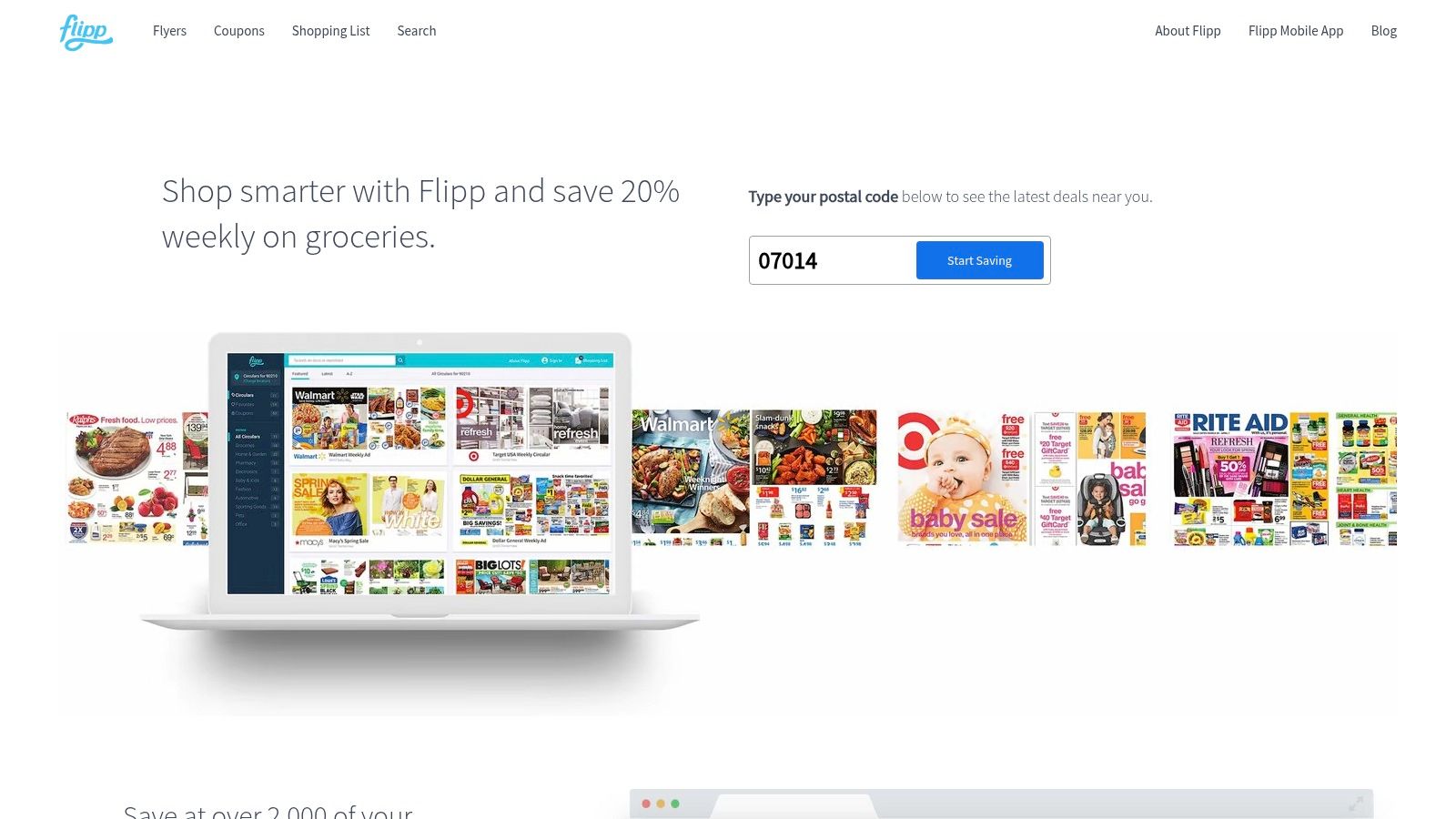
A common grocery mistake is pricing one store, then assuming the rest of the basket will be close enough. Flipp helps fix that. It pulls local flyers into one place, so you can compare sale prices across nearby chains before you head out.
For Canadian households, that matters because grocery savings usually come from recurring items, not one big-ticket purchase. Milk, produce, cleaning supplies, snacks, and paper goods can swing a weekly total more than people expect. Flipp is useful when you want to answer a practical question: which items should I buy this week, and which can wait?
I get the best results from Flipp by planning around the basket, not around loyalty to one store.
Search a few staples first. If chicken is on sale at one chain, berries at another, and detergent is available for a price match at the store you already visit, you can make a cleaner decision about whether one stop or two stops is worth it. That trade-off matters. Saving a few dollars is good. Saving a few dollars while adding an extra 40 minutes is not always good.
A simple workflow works well here:
- Search by product category or common item name, such as eggs, yogurt, pasta, or laundry detergent.
- Clip only the deals you plan to buy this week.
- Check size, brand, and unit price so a sale on a smaller package does not fool you.
- Confirm whether your usual store still offers price matching before you build the trip around it.
Flipp has limits, and they matter. It shows flyer promotions, not every shelf price in the market. Some independent stores are missing, and sale stock can run out. Use it to shortlist the best current deals, then verify the final basket total at checkout.
That final step is the habit that makes comparison tools pay off. Record what you spent, not what the flyer suggested, and compare it against your grocery budget in Fintrack. If you are tightening food spending, Fintrack's guide to choosing a budget grocery app is a practical next read.
Try it at Flipp.
3. GasBuddy (Canada)

You are headed home, the tank is low, and three stations are within a few minutes of your route. That is the decision GasBuddy handles well. It helps you compare nearby posted prices fast enough to matter before the next fill-up.
That matters in Canada because fuel is one of the easiest variable costs to underestimate. A small difference per litre does not look dramatic on the sign, but repeated fill-ups can push a monthly driving budget off course.
GasBuddy works best as a route check, not as a scavenger hunt for the absolute lowest price in town. I would use it to compare stations I could reach anyway, then confirm the sign price when I arrive. If a cheaper station adds extra driving, traffic, or a left-turn headache at rush hour, the win is smaller than it looks.
A practical way to use it:
- Check prices near your existing route, not across town.
- Match the listing to your fuel grade, since regular and premium can change the result.
- Look at how recent the user report is before relying on it.
- Verify the posted price on-site before filling up.
One more trade-off is easy to miss. A station with the lowest gas price is not always the lowest stop cost if you also buy coffee, windshield fluid, or snacks there. For household budgeting, record the final total you paid at the pump and in-store. Then compare that amount against your transport category in Fintrack. If you are sorting out which spending belongs there, Fintrack's guide to the variable expense definition is a useful reference.
Use GasBuddy to shortlist the best nearby option, then trust the receipt, not the estimate.
4. PlanHub
A common Canadian household problem looks like this: the mobile bill feels reasonable, the home internet bill feels reasonable, and the total still ends up higher than expected. The miss usually happens during comparison. A cheap-looking plan can turn expensive once you account for your province, your address, your data usage, and whether the promo price disappears after a few months.
PlanHub is useful earlier in that decision than many people expect. I would use it to build a shortlist before opening carrier tabs, especially for BYOD mobile plans or home internet options tied to a specific service area. It saves time because you can filter around the plan type you need instead of sorting through carrier marketing pages.
The practical rule is simple. Compare plans in the same usage bucket.
That matches how telecom prices are often assessed in Canada. Innovation, Science and Economic Development Canada publishes a telecom price study built around service baskets rather than loose headline prices, and the 2025 edition is the 18th annual release. The same habit works at the household level. Compare a 20 GB BYOD plan against similar 20 GB BYOD plans. Compare home internet offers at the speed tier you would accept, in the area where you live.
Before switching, check three things on the carrier page:
- Availability by province and address: Internet offers can change block by block.
- Promo timing and regular price: The first bill is not the long-term bill.
- Fair use terms: “Unlimited” can still mean throttling, caps on hotspot use, or other limits.
PlanHub fits best as a narrowing tool, not the final authority. Record the actual monthly total you expect to pay after fees, equipment, and the promo period. Then compare that number against your household communications budget in Fintrack. Use PlanHub.
5. WhistleOut Canada
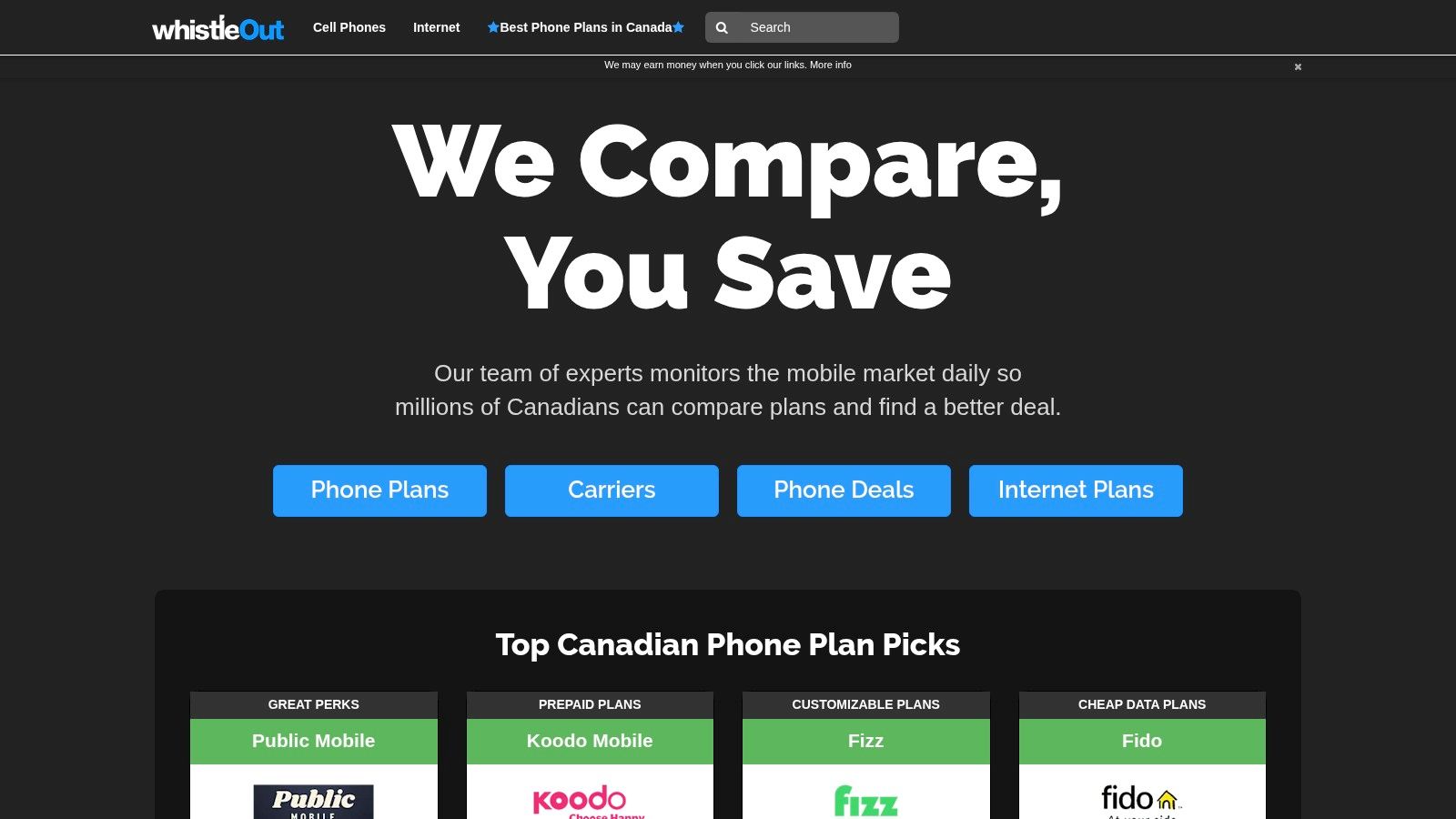
A common household budgeting mistake starts with a phone upgrade. The monthly price looks acceptable on the comparison page, then the bill grows once device financing, extra data, and a second line are added. WhistleOut Canada is useful because it puts those moving parts beside each other fast, which is exactly what you need for a recurring bill decision.
It fits best when you are comparing real-life plan setups, not just hunting for the lowest advertised number. BYOD versus financed phone, one line versus a family bundle, limited-time credit versus regular monthly cost. Those trade-offs are easy to miss if you jump between carrier tabs.
I use WhistleOut as a shortlist tool, then verify the final bill on the carrier site before anyone in the household switches. For telecom, the last check matters more than the ranking.
Three checks usually catch the pricing gap:
- Service cost versus device payment: A cheap-looking monthly total can hide an expensive handset.
- Promo expiry and bill credits: The first few months may not match what you pay for the rest of the contract.
- Activation, shipping, and add-ons: Setup charges and optional features can push the first bill higher than expected.
For households comparing communications costs across the article's broader toolset, WhistleOut covers the recurring-plan part of the job well. Google Shopping and Flipp help with one-time purchases. GasBuddy helps with weekly fuel decisions. WhistleOut is where you compare a bill that will keep showing up every month.
After you confirm the carrier's final checkout numbers, record the expected monthly total in your budget tracker. If recurring charges are where overspending tends to hide, this guide to choosing a subscription management app is a practical next step. Then compare the telecom total with your household communications budget in Fintrack, using the post-promo amount, not the teaser price.
Compare plans at WhistleOut Canada.
6. Ratehub.ca
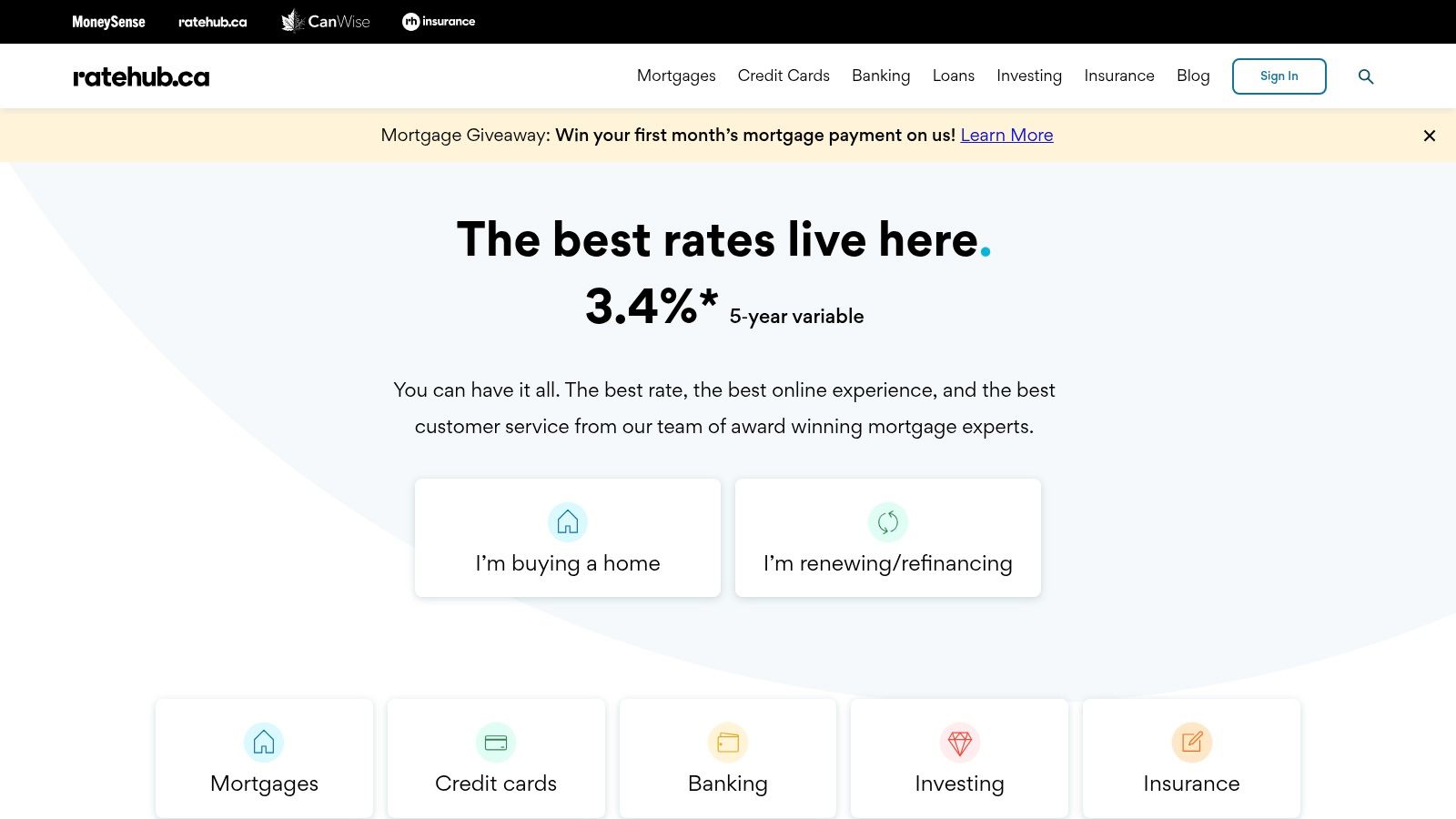
A Canadian household can save money on groceries with Flipp, shave a few dollars off fuel with GasBuddy, and still miss the bigger leak. One credit card annual fee, a higher mortgage rate at renewal, or an insurance policy with the wrong deductible can outweigh months of smaller shopping wins. Ratehub is useful for those heavier decisions.
Its best use is comparison with context. Cards, mortgages, and insurance products are harder to judge than a weekly flyer price because the cheapest option on screen is often not the lowest real cost over a year.
I use Ratehub to narrow the field, then I verify the details on the provider's own application or quote page.
For credit cards, the practical question is simple. Will the rewards, credits, and fee structure match how the household spends? A travel card with a strong welcome offer can still lose to a no-fee cash back card if most spending goes to groceries, gas, and recurring bills. If you're working through that decision, this guide to a credit card rewards comparison helps tie the offer back to real spending categories.
For mortgages, compare more than the posted rate. Ratehub is helpful for scanning options, but the final borrowing cost also depends on term, prepayment rules, penalties, and whether the rate is attached to a product with restrictions that matter later. A lower rate can become expensive if breaking the mortgage early triggers a steep penalty.
Insurance is similar. Premium matters, but deductible, exclusions, and claims limits decide what the policy is worth when something goes wrong.
A quick way to use Ratehub well is to bring your own numbers into the comparison:
- Current annual fee or premium
- Expected monthly payment
- Estimated rewards value or borrowing cost
- Any one-time fee, transfer cost, or penalty risk
Then record the final figure that would hit your budget. In Fintrack, that means logging the annual fee, monthly premium, or revised payment amount after you confirm it with the lender, insurer, or card issuer. Ratehub helps with the shortlist. Your budget needs the verified total.
Start at Ratehub.ca.
7. RATESDOTCA (Rates.ca)
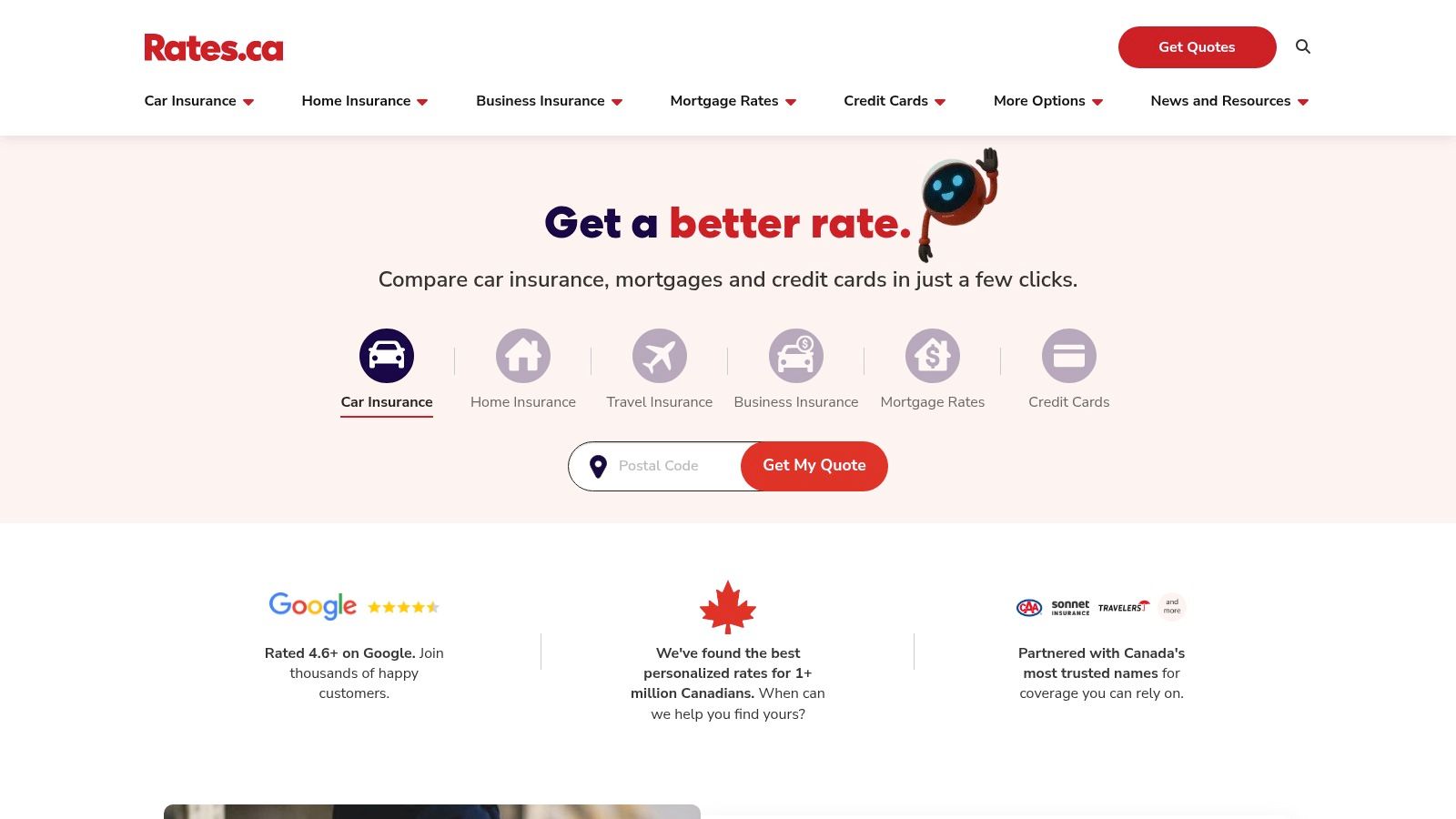
Your Ontario auto renewal arrives at $2,240 for the year. Before accepting it, run the same driver profile through RATESDOTCA and compare the details line by line. One quote might come back lower because it uses a $1,000 collision deductible instead of $500, while another looks higher until you notice a home-and-auto bundle discount that could beat your current total across both policies.
That is where RATESDOTCA earns its place in a Canadian cost-comparison workflow. It helps you scan insurance options fast, especially for auto, home, and travel, without collecting quotes one insurer at a time.
The screen layout matters here. You usually get a side-by-side quote view with premiums, insurer names, and core policy details, which makes it easier to catch the difference between a better rate and a cheaper quote with thinner protection.
A practical way to use it:
- Start with your current policy documents beside you, especially deductible, liability, endorsements, and annual premium
- Match the coverage settings as closely as possible before judging price
- Check whether the savings come from bundling, a higher deductible, or stripped-down extras
- Confirm the final quoted amount with the insurer or broker before changing anything
RATESDOTCA is strongest at renewal time, when the question is not "Can I find a lower number?" but "Am I paying too much for this exact coverage?" It is less useful if you compare loosely and leave key fields inconsistent, because insurance quotes can diverge quickly by province, driving history, and optional coverages.
For budgeting, record the amount you would pay after the quote is confirmed. If a bundled policy cuts your monthly insurance cost, log that final number in Fintrack and compare it with the household budget, not the headline estimate on the first results page.
Visit RATESDOTCA to compare insurance and related financial products.
8. PCPartPicker (Canada)
A PC build is one of the easiest places to make an expensive comparison mistake. A part can look cheaper in search results and still leave you with the higher final bill once shipping, compatibility fixes, and retailer split orders show up.
PCPartPicker earns its spot because it compares Canadian part prices while checking whether the build works as a system. That matters more than headline savings on a single GPU, SSD, or motherboard.
Here's the practical use case. You set a target budget for the whole machine, then assemble the build inside PCPartPicker before buying anything. That lets you catch the common trade-off early: one part may cost a little more but prevent a BIOS issue, power problem, or case-clearance mismatch that would cost more to fix later.
It also exposes a real checkout problem that generic shopping tools miss. The lowest displayed total can come from spreading the order across several stores, which affects shipping costs, delivery timing, and returns. For a Canadian buyer, that friction matters.
A good workflow looks like this:
- Set the full build budget first, not just a price target for one component
- Compare the total after cooler, PSU, storage, Wi-Fi, and Windows needs are included
- Check how many retailers are involved before treating the listed total as the cost
- Confirm taxes, shipping, rebates, and bundle terms at checkout
PCPartPicker is strongest for major planned purchases where compatibility is part of the price comparison. It is weaker if you treat it like a simple lowest-price finder or if you ignore retailer-specific shipping and stock issues.
Before buying, record the final checkout total you would pay. Then compare that number against the household budget in Fintrack. That habit matters with PC builds because upgrades often start as a parts search and end as a much larger discretionary spend.
Use PCPartPicker Canada for parts, compatibility, and comparison.
9. Keepa (Amazon price tracker, Canada-supported)
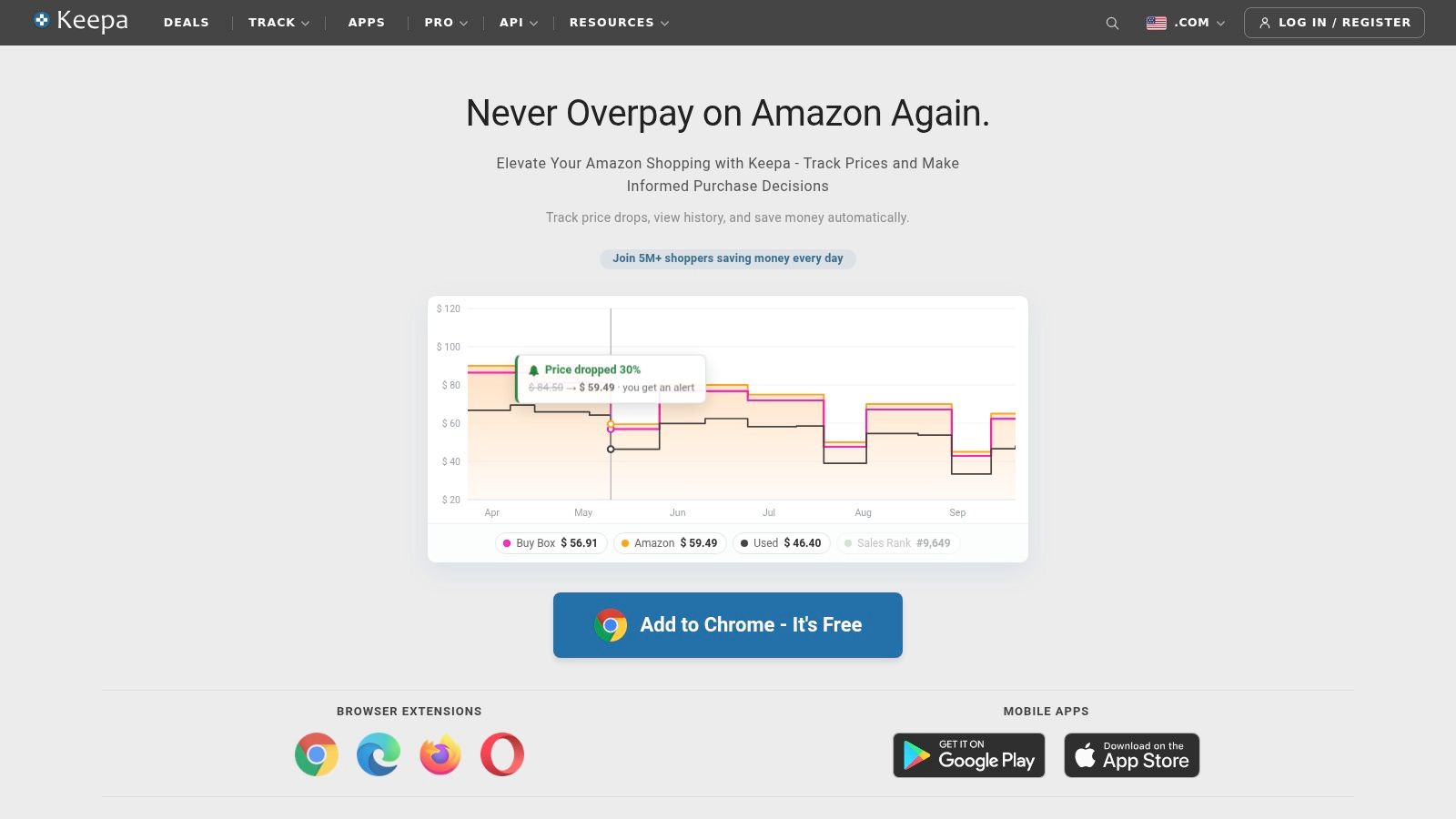
A common Canadian shopping miss happens late at night on Amazon. The sale badge looks good, the list price looks higher, and the item lands in the cart before anyone checks whether this is a low price or just the usual price with better packaging.
Keepa fixes that specific problem. It adds price history to Amazon listings, which makes it useful for household items, small electronics, baby gear, supplements, and replacement purchases that tend to happen fast and on habit.
The practical value is simple. You can check whether today's price is near the product's normal floor, whether it bounces around every few weeks, and whether waiting is likely to save anything. For Amazon-heavy households, that changes buying behavior more than another broad shopping search tool.
Keepa also fits a different kind of comparison decision than the tools earlier in this list. It is less about finding every store and more about judging one storefront properly before you spend.
A few cases where it earns its place:
- Sale-event shopping where the "discount" may not be unusual
- Subscribe and Save decisions where timing affects the first order price
- Rebuying household staples and wanting to know the price range before reordering
- Tracking stock and setting alerts on items you do not need today
Its blind spot matters. Keepa does not tell you whether Canadian Tire, Walmart, Best Buy, or a local specialist has the better final offer once shipping, delivery speed, and return hassle are counted. It also does not settle marketplace seller questions for you. On Amazon, the lowest displayed option can still come with seller differences, delivery delays, or bundle quirks that change the value.
My rule here is straightforward: use Keepa to verify the Amazon price, then verify the final Amazon checkout total itself. Record the amount you would pay, including tax and any shipping impact, and compare it against the household budget in Fintrack. That is the habit that connects a "good deal" to a useful spending decision.
Explore it at Keepa.
10. Lowpi (Canada)
You already checked Amazon on Keepa, then searched Google Shopping, and the price still feels incomplete. That is the moment Lowpi is useful. It gives you a quicker second pass on Canadian retail pricing, especially for consumer tech where shoppers often compare the same model across a short list of stores.
I find Lowpi more helpful as a narrowing tool than a broad search engine. Google Shopping usually casts the wider net. Lowpi is easier to scan when the decision is specific: a laptop SKU, a monitor, a game console accessory, or a phone model that is sold by several familiar Canadian retailers. In those cases, a simpler results page can save time because you are not sorting through as much noise.
Its best use is practical. Run the product search on Google Shopping first if you want coverage. Then open Lowpi to sanity-check the going rate for the exact item and see whether a retailer you already trust is sitting close to the low end. That workflow is especially useful for electronics households that compare price, pickup convenience, and return hassle together, not just the headline number.
Lowpi adds value in a few situations:
- Tech purchases where model-specific pricing matters more than broad category browsing
- Quick checks across mainstream Canadian electronics retailers
- Price comparison on items you may buy in-store today rather than wait to ship
- Households that want a faster second source before deciding whether the deal fits the month's spending plan
The limitation is different from Keepa's. Lowpi does not give you the same historical pricing context for Amazon, and it is not trying to be the all-purpose comparison layer that Google Shopping is. Its place is narrower, but that narrower role can be useful. On a busy buying day, a focused second check is often enough to tell you whether the price is competitive or just average.
For budgeting, keep the habit simple. Record the actual amount you expect to pay for the chosen store in Fintrack, then compare it with the category budget before you buy. Lowpi helps you choose among current offers. Your budget decides whether the purchase should happen now.
Check current listings at Lowpi Canada.
Top 10 Canada Cost Comparison Tools, Features & Pricing
| Tool | Primary focus | Key features | Coverage / UX | Value proposition / USP | Price |
|---|---|---|---|---|---|
| Google Shopping (Canada) | Multi‑store product search & price aggregation | Price range insights; merchant offers; reviews | Very wide retailer coverage; strong search relevance | Fast cross‑store price checks with contextual pricing data | Free |
| Flipp | Local flyer deals & grocery price search | Flyer item search; clipping & shopping lists; loyalty wallet | Deep Canadian flyer coverage; store‑level deals | Best for grocery planning and in‑store price‑match workflows | Free |
| GasBuddy (Canada) | Crowdsourced gas price discovery | Station map/list; fuel filters; price‑spike alerts & trends | Broad Canada map view; mobile‑friendly for on‑the‑go use | Quick fuel savings via local, user‑reported prices | Free (optional premium) |
| PlanHub | Mobile, internet & TV plan comparisons | Daily‑updated plan DB; filters by data/speed/province; guides | Canada‑specific carrier coverage; frequent updates | Transparent CAD comparisons of total monthly cost | Free |
| WhistleOut Canada | Side‑by‑side mobile & internet plan comparison | Carrier/price filters; device+plan comparisons; guides | National provider lists; clear comparison tables | Dynamic side‑by‑side plan and device deal comparisons | Free |
| Ratehub.ca | Financial product comparisons (cards, mortgages, insurance) | Card comparisons with rewards estimates; insurance quotes; CardFinder | Deep Canadian financial coverage; tools for rewards/costs | Detailed card rewards valuation and AI CardFinder tool | Free |
| RATESDOTCA (Rates.ca) | Insurance and financial product quotes | Multi‑insurer insurance quotes; coverage explanations; Ratesbot | Large insurer/broker network across provinces | Fast, transparent insurance quoting and monitoring | Free |
| PCPartPicker (Canada) | PC component price comparison & build planning | CAD pricing; multi‑retailer comparison; compatibility checks | Canada mode with retailer aggregation; build guides | Minimizes total PC build cost and avoids compatibility errors | Free |
| Keepa (Amazon price tracker) | Amazon price history & alerts (including amazon.ca) | Long‑term price charts; price‑drop alerts; sales rank trends | Focused on Amazon/marketplace data | Verifies deal quality with historical pricing evidence | Freemium (paid tiers for API/data) |
| Lowpi (Canada) | General product price discovery | Canada pricing; category browsing; retailer links | Simple interface; mixed retailer coverage | No‑frills price discovery across electronics and retail | Free |
Choose the Tool That Matches the Bill
The best cost comparison tools are the ones that fit the decision in front of you. Use Google Shopping or Lowpi when you need broad product discovery across retailers. Use Flipp when groceries and flyer timing matter more than regular shelf prices. Use GasBuddy for fuel stops you will take, not theoretical savings across town.
For recurring services, category-specific tools are usually better than general search. PlanHub or WhistleOut make more sense for mobile and internet comparisons because inclusions, service area, and plan structure matter as much as the monthly price. For financial products and insurance, Ratehub.ca or RATESDOTCA help you compare the details that often get missed when people focus only on a rate or premium. For a custom PC build, PCPartPicker is the specialist. For Amazon, Keepa is the reality check.
There's a broader budgeting lesson here. Compare the full delivered or recurring cost, not the promoted price. That means taxes, shipping, add-ons, contract terms, promo expiry, device balances, and any household impact if the purchase is shared.
Verification matters too. Public tools in Canada show how established this habit already is. The California Department of Industrial Relations maintains a California CPI table covering 1955 to 2026 and a calculator for percentage-change comparisons from 1989 to 2026, which shows how long formal price comparison infrastructure has existed in practice. In Canada, official budgeting guidance from the Financial Consumer Agency of Canada says to track every purchase and bill for 1 to 2 months, including small items like groceries and daily coffee, and to use recent pay stubs, bills, and account statements when building a budget. That's the part many people skip. They compare well, then fail to record what they spent.
There's also a gap in many comparison and budgeting tools once more than one person is involved. Public Canadian tools often focus on the individual budget or on product comparison pages, while a documented gap remains around true household-level comparison for couples, roommates, and multigenerational households. That matters when one person finds the cheaper internet plan, another pays the streaming subscriptions, and nobody sees the total picture.
The practical workflow is simple. Compare first. Verify on the provider or retailer site. Record the final amount once you buy. Then review whether the new recurring bill or one-time purchase still fits the rest of your plan. If you want a clean place to do that after the shopping is done, Fintrack's budget planning tools are a sensible next step for tracking subscriptions, household categories, and planned spending. For more on building the habit around day-to-day spending, Fintrack also has helpful reads on budget grocery app choices, subscription management, and the difference between fixed and variable expenses.
Fintrack helps you turn comparison into follow-through. You can record the final cost of purchases, organise recurring bills into clear categories, and see whether a new plan, subscription, or household expense still fits your budget. If you want one place to keep that all visible without relying on a bank connection, visit Fintrack.