
Meta description: Learn the difference between payor and payee, with simple examples that help you track income, expenses, refunds, and shared bills more clearly.
You paid your half of the rent this morning. By lunch, a shop sent you a refund for shoes you returned. Tonight, you'll probably send a friend money for concert tickets.
Those three moments feel unrelated, but they all use the same basic money roles. In each transaction, someone is the payor and someone is the payee.
If those terms have ever felt like banking jargon, the good news is they're much simpler than they sound. Once you know which side you're on, your transactions make more sense, your budget gets cleaner, and it's easier to sort out what happened when money moves in or out.
Your Financial Life is Full of Payors and Payees
Many meet these words on a cheque, a bill, a bank form, or a payment screen and move on without thinking much about them. That's completely normal.
But if you're trying to manage your money more carefully, the difference matters. When you send your landlord rent, you are the payor and your landlord is the payee. When your employer deposits your wages, your employer is the payor and you are the payee. When a retailer refunds you, the roles flip again.
Here's a quick way to understand it:
| Situation | Payor | Payee |
|---|---|---|
| You pay rent | You | Landlord |
| Your employer pays wages | Employer | You |
| Friend repays you | Friend | You |
| You buy groceries | You | Grocery store |
| Store issues a refund | Store | You |
That simple label does a lot of practical work. It tells you whether a transaction belongs in your records as money out or money in. It also helps you answer the questions that matter when you're reviewing your finances: Who paid me? Who did I pay? Was this income, a refund, a shared cost, or a bill?
If your spending history feels messy, that usually means the roles aren't clear in the record. A transaction list becomes much easier to read when each entry has a clear sender and receiver.
For a broader view of how all these moving pieces fit together, a good personal finance dashboard can help you see income, expenses, and transfers in one place.
Practical rule: If money leaves your account to pay someone else, you're usually the payor. If money arrives in your account from someone else, you're usually the payee.
Defining the Roles Who Is the Payor and Who Is the Payee
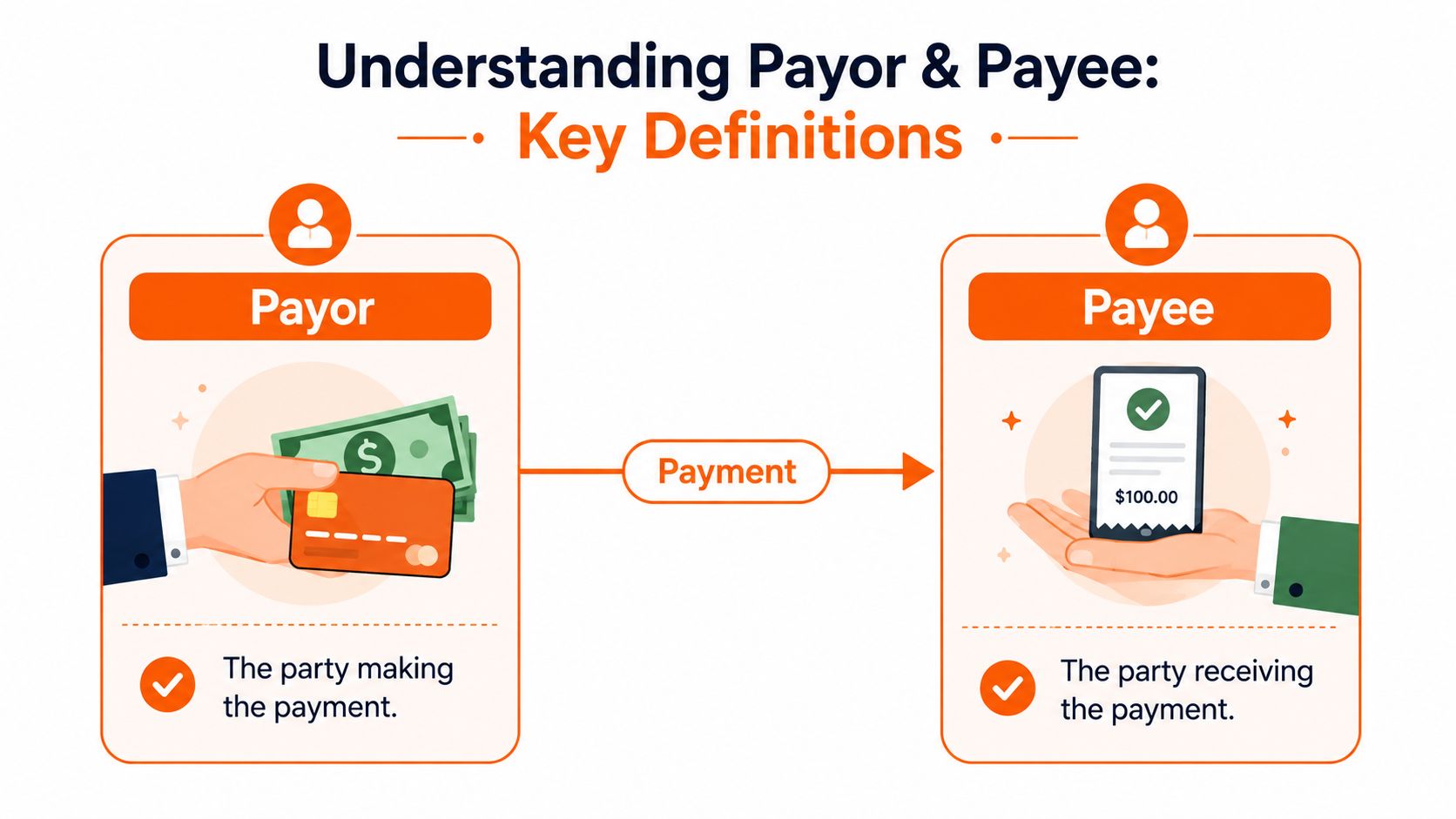
At the most basic level, the payor is the party making the payment. The payee is the party receiving the payment.
That's it. One sends money. The other receives it.
A simple mental picture helps. Think of money like water moving through a pipe. The payor is the side where the flow starts. The payee is the side where the flow ends. If you know the direction of the flow, you can usually identify the role in seconds.
The legal meaning is straightforward
These aren't casual labels people made up for budgeting apps. They come from ordinary commercial and financial usage.
Historically, the legal meaning of payor and payee in California is tied to standard commercial and financial law: the payor is the party that sends money, and the payee is the party that receives it. California's labour and payments systems show this clearly in payroll, with the Employment Development Department reporting civilian employment above 18 million in recent years, so employers act as payors when issuing wages and employees are payees, as explained in this payee vs payor definition guide.
That legal clarity matters because money records are built around responsibility. Who owed the payment? Who received it? Who should keep proof? Who needs to recognise it as incoming funds?
Where people usually get confused
The biggest point of confusion is that you are not always one or the other. You switch roles all the time.
In the morning, you might be the payee when your salary lands. An hour later, you become the payor when you pay your mobile bill. The role belongs to the transaction, not to the person forever.
Another common mix-up is between the name on a transaction and the role in the transaction. The merchant name, employer name, landlord name, or app name doesn't tell you everything by itself. You still need to ask one practical question: who sent the money?
If you're trying to get cleaner records around card balances and bill payments, this guide on how a credit card payment works is a useful next read.
For readers who also want a business-side lens on who owes money and who collects it, Resolut's finance operator insights offer a helpful complement to the personal finance view.
If you can answer “who sent the money?” and “who received the money?”, you already understand the core of payor vs payee.
Payor and Payee Roles in Common Financial Scenarios
Definitions help, but real examples are what make this stick. In daily life, the easiest way to identify the role is to look at the transaction and name the direction of the payment.
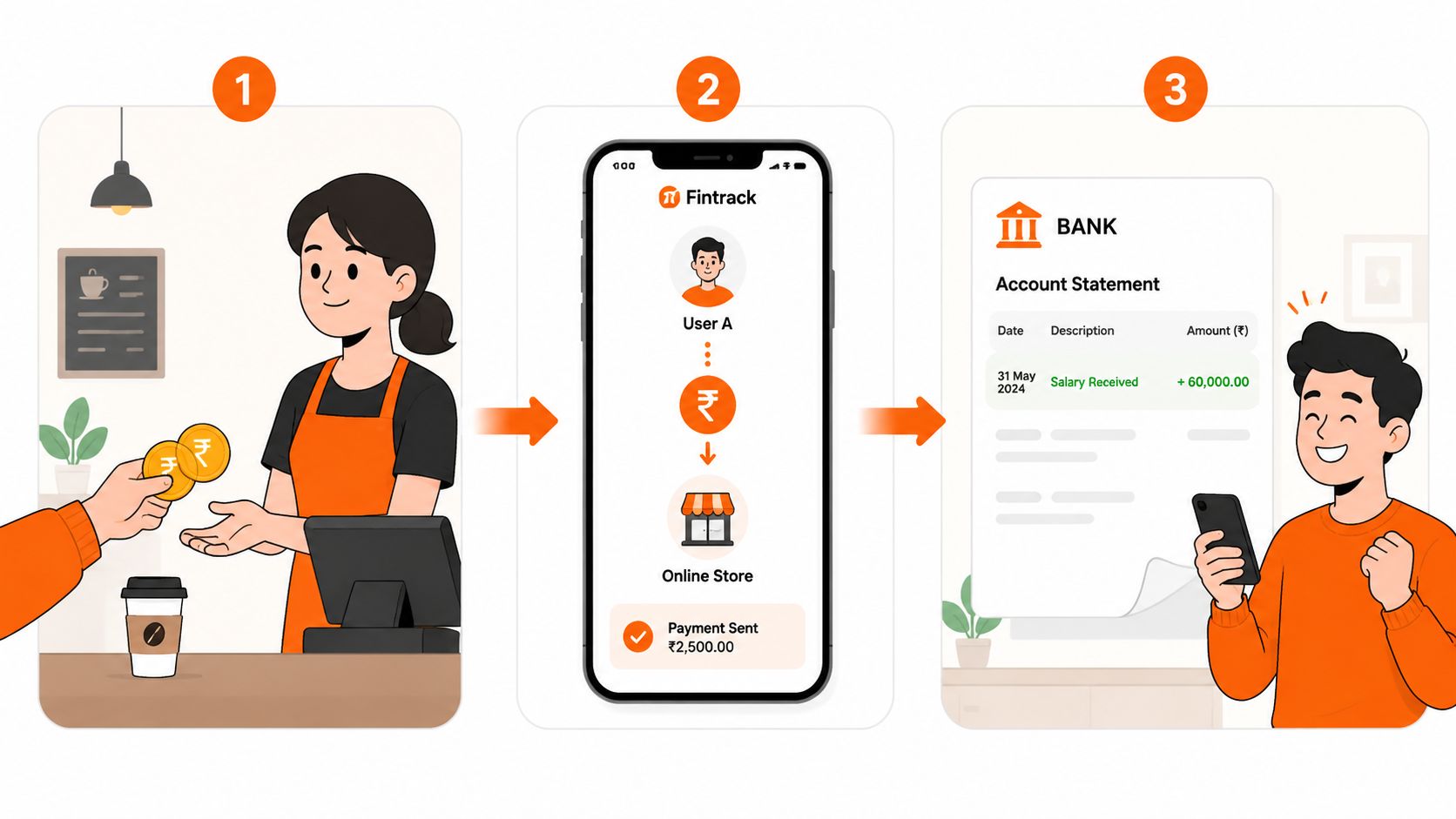
Everyday examples you'll recognise
Rent payment
You send money to your landlord each month. You are the payor. Your landlord is the payee.Payroll deposit
Your employer deposits your wages into your account. Your employer is the payor. You are the payee.Paying a friend back
Your friend covered dinner, and you send your share through Interac e-Transfer, Venmo, or another payment app. You are the payor because you're sending the money.Getting repaid
You bought the concert tickets first, and your friend sends you their share later. Your friend becomes the payor, and you are the payee.Buying groceries
At the checkout, you tap your card. You are the payor. The grocery store is the payee.Subscription charge
A streaming service charges your card for the monthly plan. In practical budget terms, you are still the payor, because the money is being taken to pay the company. The company is the payee.Refund for a cancelled subscription or returned item
Many individuals might find this scenario puzzling: The company is now sending money back to you, so the company becomes the payor and you become the payee.
Digital payments make the roles easier to miss
Because so many payments happen automatically, people often stop noticing the underlying roles. The Federal Reserve's 2024 Diary of Consumer Payment Choice found that U.S. adults made 49% of their payments using cards and 31% using bank account methods such as ACH, debit, or bill pay, which shows how payors increasingly start payments through digital systems while payees receive funds through automated settlement, as noted in this overview of digital payment patterns and payor-payee roles.
That automation is convenient, but it also means your bank feed may show a confusing merchant name, processor name, or short-form description. If you don't stop and identify the payor and payee, it's easy to mislabel a refund as income or mistake a transfer for an expense.
A refund isn't “extra money” in the usual budget sense. It's often a reversal of an earlier payment, and the payor-payee roles reverse with it.
Less obvious cases
Some transactions need a second look:
Insurance or healthcare claims
In healthcare workflows, the payor or payer is the entity responsible for reimbursing covered services, while the payee is the provider or other recipient of funds. If you're comparing how different budgeting tools handle transaction detail and categorisation around these more complex flows, it can help to compare Monarch Money features and see what kinds of records matter most to you.Shared household bills
One person may pay the utility company first, then receive partial repayment from a partner or flatmate later. That creates two separate transactions with different roles.
If you want to get a better handle on those repeating charges, this guide to a subscription management app is especially useful.
A Simple Comparison of Payor vs Payee Roles
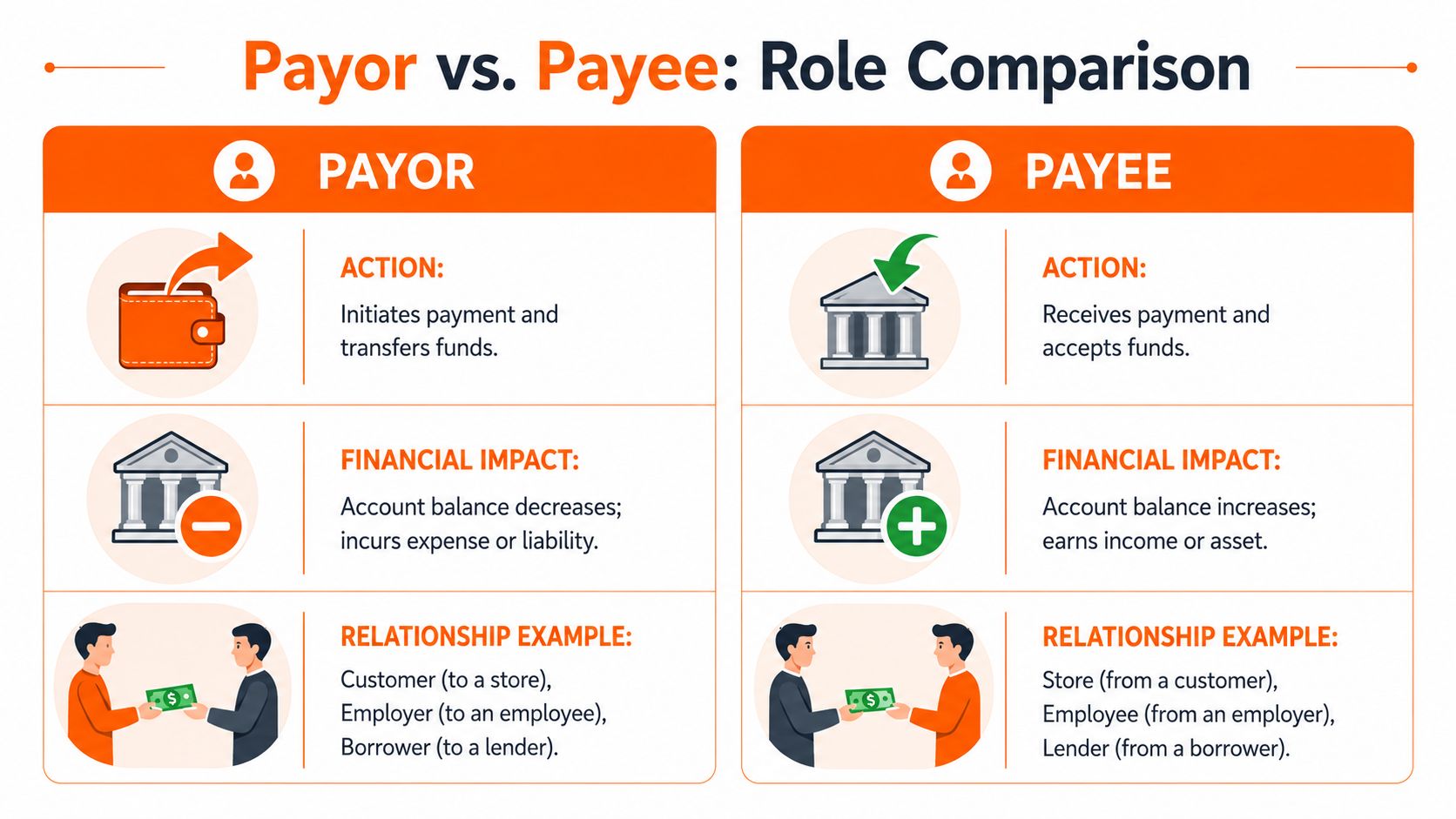
Cash flow direction
This is the clearest difference.
For the payor, money moves out. The transaction reduces available cash or uses a balance, card, or account to settle an obligation.
For the payee, money moves in. The transaction increases the funds they receive, whether that's wages, rent, a reimbursement, or a sale.
If you remember only one thing, remember the direction.
Who starts the transaction
The payor is usually the side that initiates payment. That doesn't always mean they physically press a button in the moment. An automatic bill payment still begins with the payor's obligation and account.
The payee is the receiving side. They may send an invoice, request payment, or wait for scheduled funds, but they are not the one whose money is leaving in that transaction.
What each side tends to track
Payors usually care about:
- Proof of payment
- Date paid
- Amount sent
- Who received it
- Whether it cleared correctly
Payees usually care about:
- What came in
- Who sent it
- When it arrived
- Whether it matches the expected amount
- How to record it in income or receivables
That difference explains why your records should include more than just an amount. The name attached to a transaction often matters as much as the number.
What happens when there's a problem
Disputes also look different depending on your role.
If you're the payor, you may need to challenge an unfamiliar charge, confirm that a payment was sent, or ask why the amount changed. If you're the payee, you may need to prove you received funds properly, explain a charge, or respond to a reversal.
Quick check: When reviewing a transaction, ask two questions. Did money leave me or arrive to me? Who was on the other side? Those two answers usually settle the role immediately.
Why This Distinction Matters for Your Financial Health
A lot of financial terms are easy to ignore. This one isn't. Knowing whether you were the payor or payee changes how you budget, how you organise records, and how you respond when something looks wrong.
Cleaner budget reconciliation
Budgeting falls apart when transactions are misread.
If you log a refund as fresh income, your monthly picture becomes too optimistic. If you label a repayment from a friend as salary or “miscellaneous”, you lose track of what really happened. If you can't tell whether a transaction was a transfer, a bill payment, or money received, your category totals start telling the wrong story.
Clear payor-payee labels make review easier because they answer the basic question behind every entry: was this an outflow or an inflow, and why?
Better tax and record-keeping habits
The same distinction helps at tax time and whenever you need documentation.
In general, the payee is the one receiving funds and may need to treat that payment as income depending on the situation. The payor, on the other hand, may need the receipt, invoice, donation record, or other proof showing where the money went. Even for household finances, that matters when you're sorting childcare payments, rent records, freelance income, or reimbursed costs.
You don't need complicated bookkeeping to benefit from this. You just need a consistent habit of naming both sides of the transaction.
The less guessing you do during monthly reviews, the less stressful money management becomes.
Faster problem-solving
When a payment goes wrong, role clarity saves time.
If you were the payor, your first questions are usually about authorisation, timing, amount, and delivery. If you were the payee, you're more likely to check whether the money arrived, whether it matched the expected amount, and whether it was applied correctly.
That sounds simple, but it's exactly why some people spend ages untangling bank feeds. They're trying to solve a transaction problem without first identifying their role in it.
A strong saving and budgeting routine also depends on this kind of clarity. If you're building better habits around prioritising your money, the pay yourself first method fits naturally with a cleaner view of where your outgoing and incoming funds go.
How to Track Payors and Payees in Fintrack
Once you understand the roles, the next step is making them visible in your records. That's where a good transaction system helps.
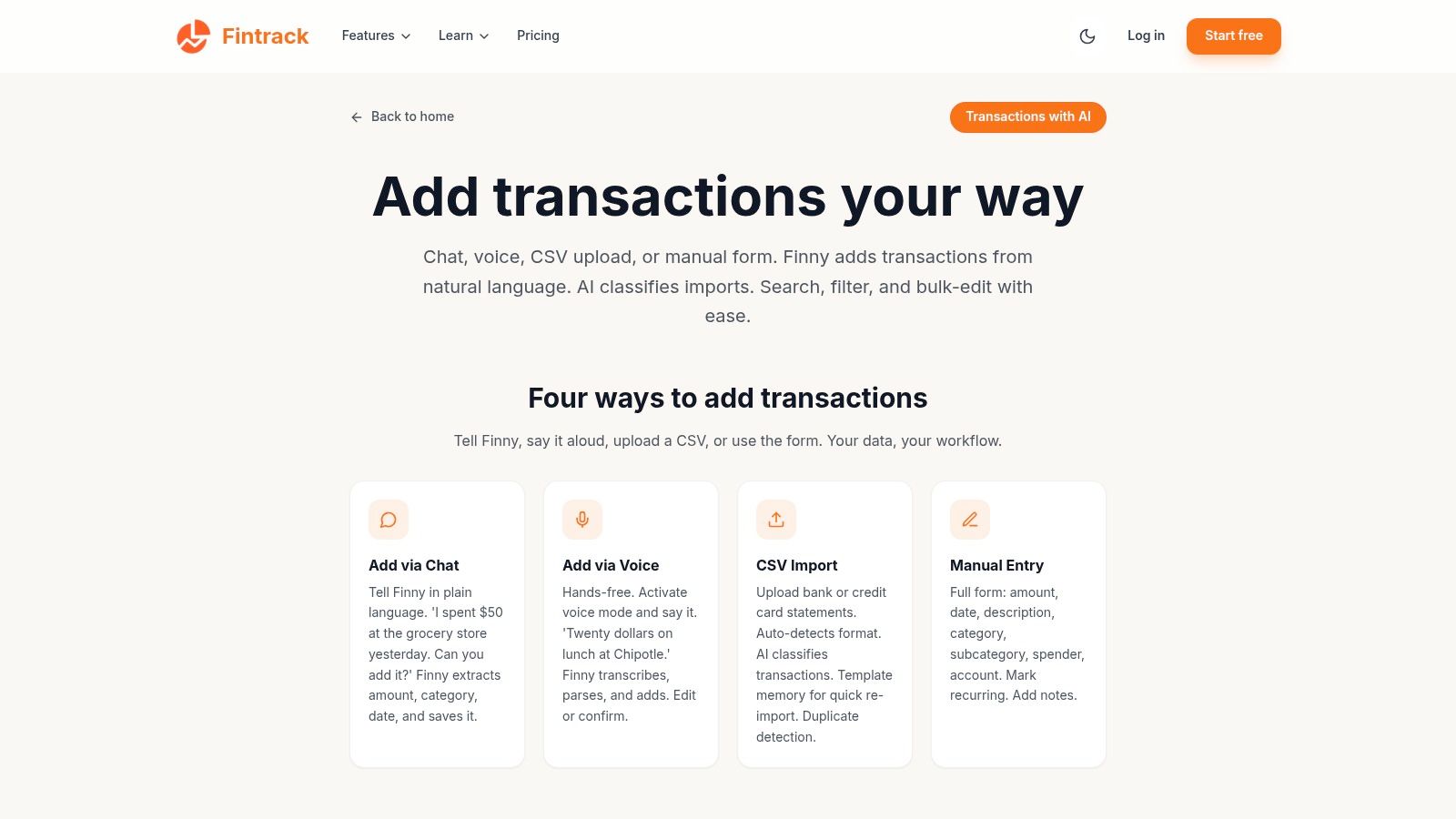
A simple way to organise your transactions
Use this approach:
Name the other party
For each transaction, record who was on the other side. That might be your employer, landlord, internet provider, insurer, or a friend.Separate income from refunds
If money comes in, don't assume it belongs in the same bucket. Ask whether it was wages, reimbursement, a refund, or repayment.Tag shared expenses clearly
If you paid the full hydro bill and your partner repaid half later, tag those as two related transactions. One is a payment out. The other is money received back.Review recurring merchants
Repeating payees such as streaming services, mobile providers, gyms, and utility companies are easier to monitor when they're consistently named.Check unusual entries promptly
Strange merchant text or payment processor labels can obscure the actual payee. Cleaning those up early makes month-end reviews much easier.
Where AI can help
This work used to be tedious, especially when receipts, invoices, and transaction descriptions were messy. Expert benchmarks for AI on unstructured financial documents show that payee/payor identification can reach 94.4% accuracy, and that level of extraction reduces manual review of invoices and receipts while supporting tasks like duplicate-charge detection and cash-flow categorisation, according to this summary of AI accuracy in payee and payor identification.
That matters in real life because many transactions don't arrive with neat labels. They come through as abbreviations, partial merchant names, card processor text, or invoice snippets. A stronger system helps you sort those into useful records instead of leaving them as mystery entries.
If you also manage side income or small business expenses, lists of top payment tracking software for businesses can give you a broader view of how different tools handle payment records and reconciliation.
For personal use, the practical goal is simpler. You want to open your transaction history and understand it quickly. A tool built for tracking and categorising transactions clearly makes that much easier, especially if you prefer to review spending without relying completely on a bank connection.
Keep it simple: Every transaction should answer three questions. Who paid? Who got paid? What was the payment for?
If you want an easier way to apply this in your own budget, Fintrack helps you organise transactions by who paid, who got paid, and what each payment was for, so your income, refunds, bills, and shared expenses are easier to review.