A bill lands before payday. You check your spreadsheet, notice that the totals no longer match your bank balance, and promise to fix it later. Then a subscription renews, a grocery trip costs more than expected, and the budget becomes another task you avoid.
That's why many people search for a true budget app, not another attractive template. They need a system that reflects real spending, makes irregular costs visible, and helps them act when life gets busy. The right tool should reduce the gap between knowing how to budget and doing it every day.
Why Most Budget Plans Fall Apart
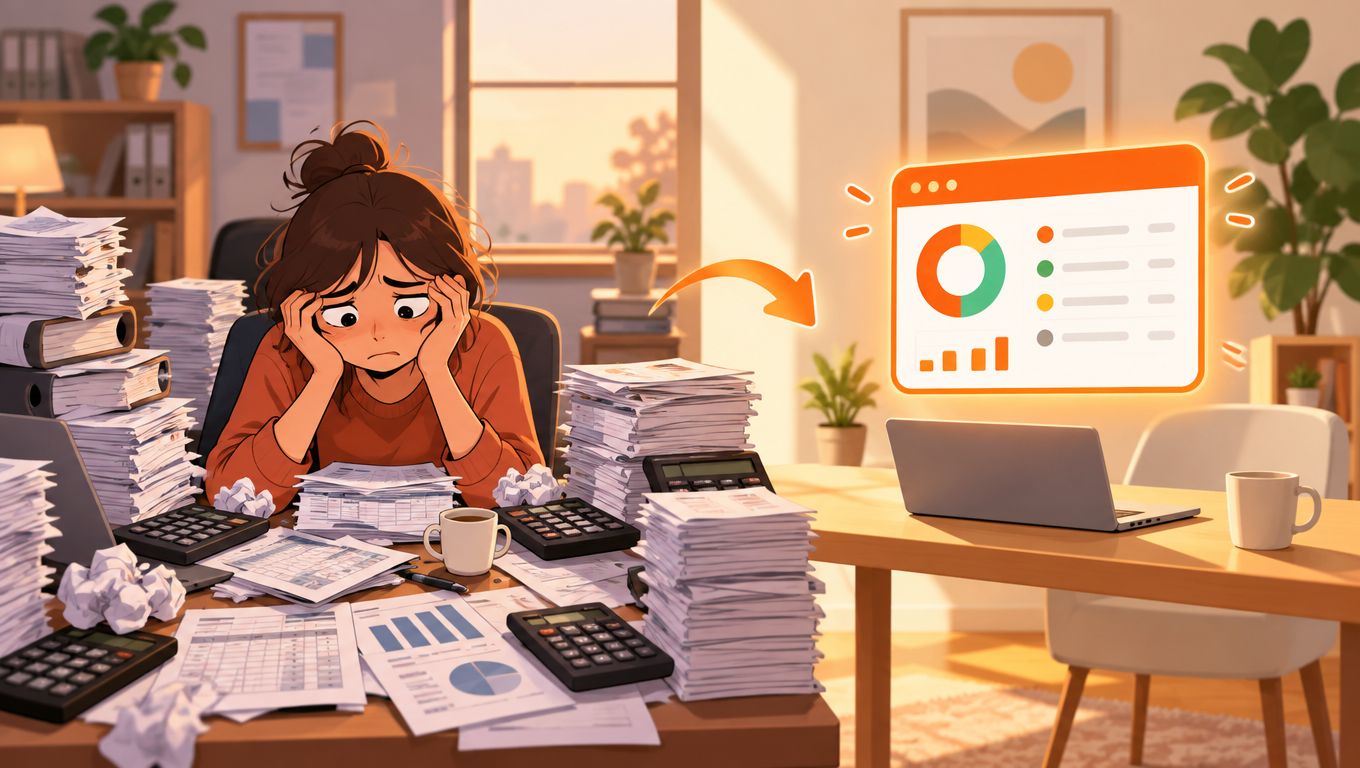
Jordan starts each month with good intentions. They copy income into a spreadsheet, assign amounts to rent, food, transport, and entertainment, then feel organised for a while. By the third week, a bill arrives on an unusual date, a friend's birthday creates an unplanned expense, and several small purchases have disappeared into a vague “miscellaneous” row.
The problem isn't necessarily discipline. The system asks Jordan to remember too much, update too often, and make every decision before the month has unfolded. Once the numbers stop matching reality, reopening the spreadsheet feels like an admission of failure rather than a useful review.
The gap between intention and behaviour
A budget plan describes what you hope will happen. Your transactions show what really happened. Those two views need to work together, but many basic tools only provide one of them.
A useful daily system should help you answer questions such as:
- What changed: Did food spending rise because of one large shop or many smaller purchases?
- What is due next: Which recurring bill or subscription might affect the rest of the month?
- What can I spend: After normal commitments, how much room is left for flexible spending?
- What needs attention: Is a charge duplicated, incorrectly categorised, or no longer wanted?
This is also why learning how to stop overspending involves more than setting stricter limits. A budget has to meet you at the moment a decision occurs. If reviewing it takes too much effort, even a well-designed plan can become irrelevant.
Practical rule: A budget that gets checked and adjusted is more useful than a perfect budget that gets abandoned.
What an Actual Budget App Means in Practice
An actual budget app does more than store a list of past transactions. It connects, imports, or accepts manual entries for income and expenses, organises those transactions, compares them with your intended limits, and helps you decide what to do next.
The word actual points to the workflow. You're not only creating a plan at the start of the month. You're checking the plan against real behaviour and making small corrections before a surprise becomes a larger problem.
The daily workflow
A practical system usually works like this:
- Add your money information. You might connect an account, import transactions, or enter purchases manually. A tool that supports more than one method can continue working when a connection fails or when you prefer not to share bank credentials.
- Organise transactions. Purchases are assigned to useful categories such as groceries, transport, housing, or subscriptions. You should be able to correct mistakes without rebuilding the budget.
- Set meaningful limits. A limit gives a category a purpose. It doesn't have to predict the future perfectly. It gives you a reference point for decisions.
- Review movement. Progress indicators, alerts, and recurring-charge notices show where spending is drifting or where a bill is approaching.
- Ask a practical question. Instead of studying a dashboard, you should be able to find an answer to questions like, “How much did I spend on takeaway this month?” or “Which subscriptions renewed recently?”
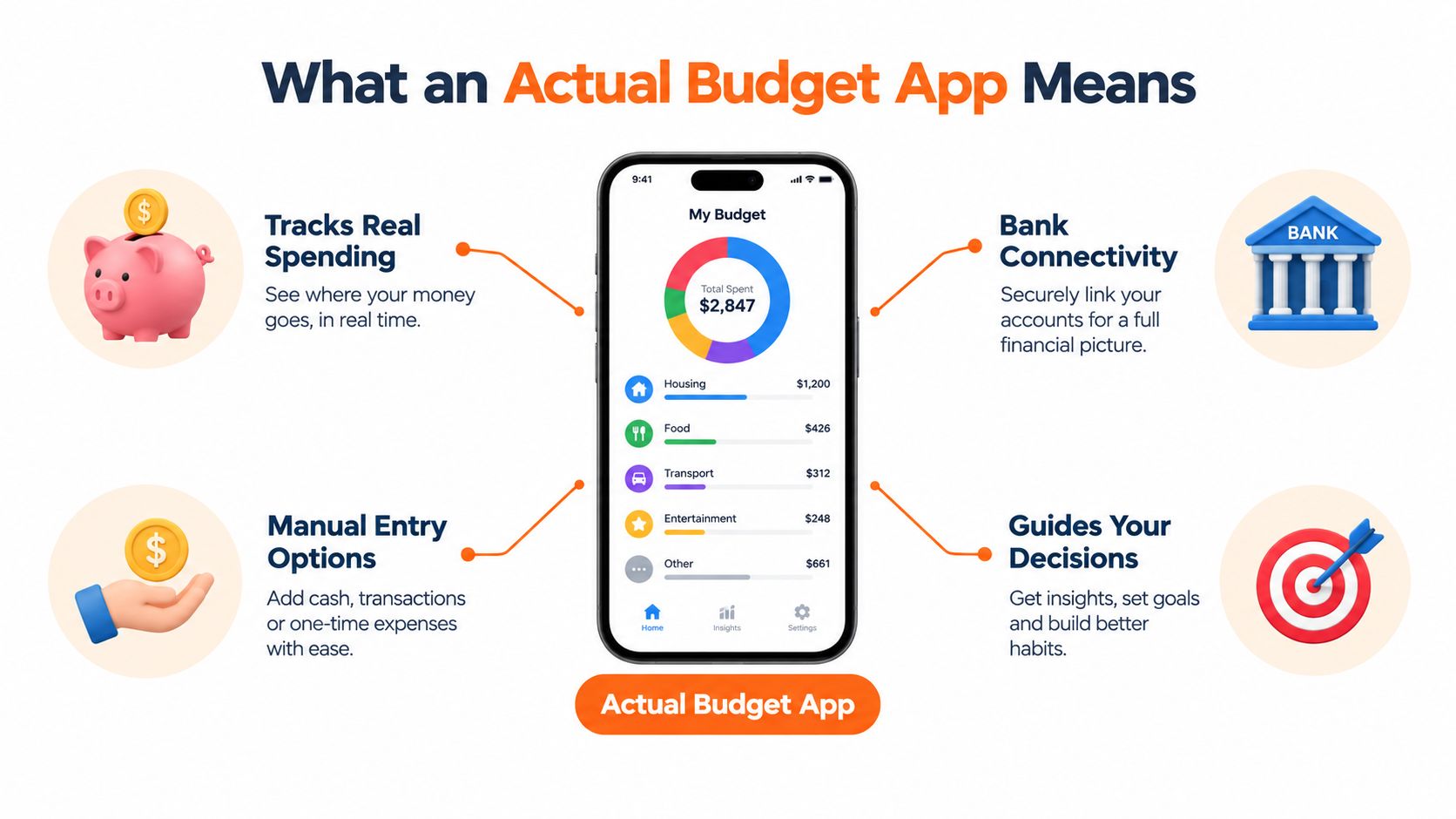
A basic expense tracker can tell you that you spent money. An actual budget app adds context, showing whether that spending fits your current plan and what it means for upcoming commitments. A personal finance dashboard can be useful for the wider picture, but day-to-day budgeting needs clear actions, not just more information.
Planned Budgeting vs Actual Budgeting
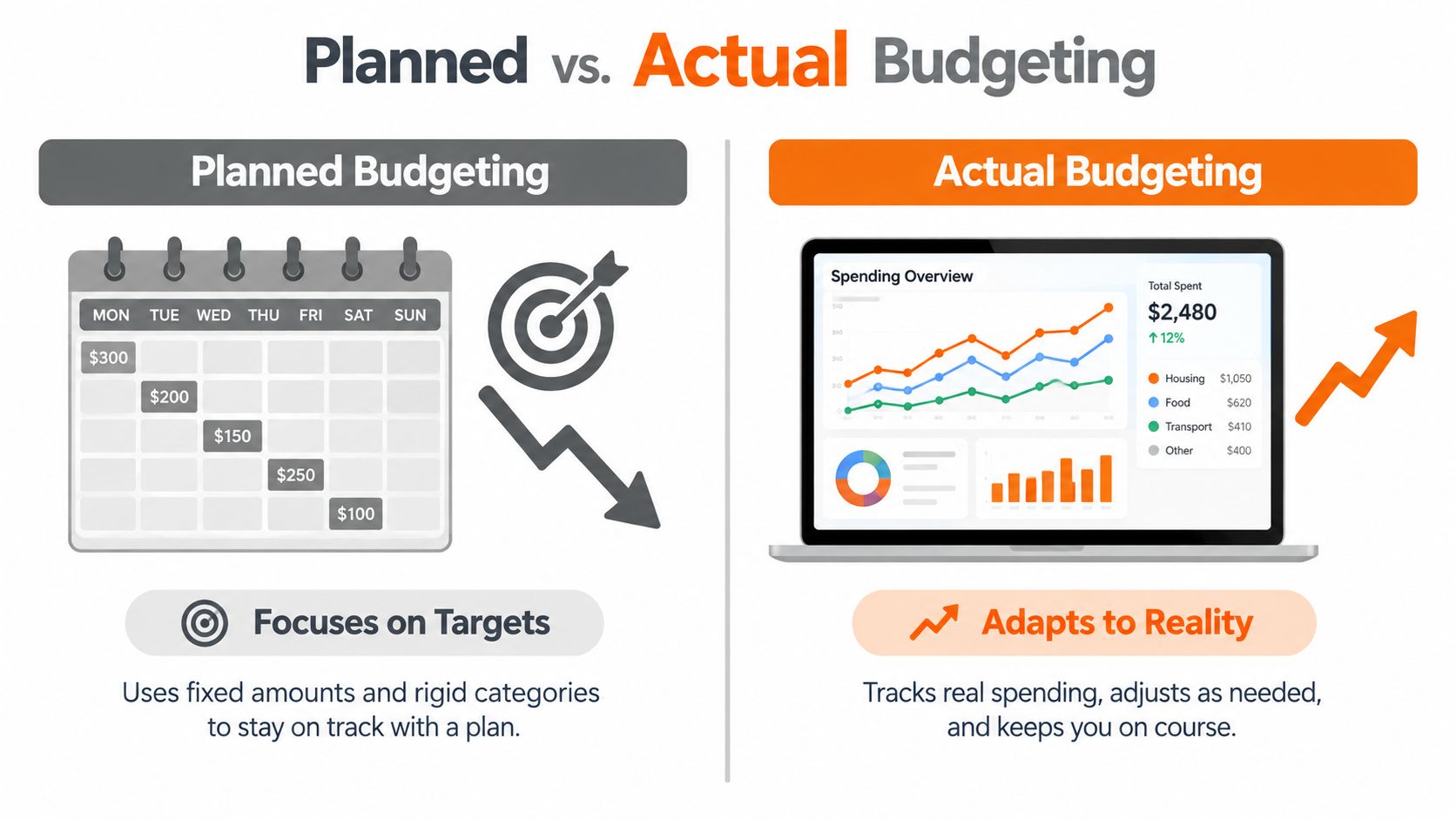
Planned budgeting starts with targets. You decide how much you want to spend in each category, then judge each transaction against those targets. Actual budgeting starts with the transactions themselves, identifies patterns, and uses that information to refine the plan.
Neither approach is automatically wrong. Planned budgeting can work well when income, bills, and routines are predictable. Actual budgeting becomes more useful when costs change, income varies, or you find it difficult to maintain detailed records manually.
The difference in everyday situations
| Situation | Planned budgeting | Actual budgeting |
|---|---|---|
| Irregular income | Sets targets that may need frequent rewriting | Uses current inflows and recent patterns to guide limits |
| Recurring charges | Relies on you to remember renewal dates | Flags recurring bills and subscription activity |
| Unexpected costs | Can make the whole plan appear unsuccessful | Records the cost and helps adjust other categories |
| Household spending | Needs people to update the same plan consistently | Focuses on shared visibility and current transactions |
| Monthly review | Often compares intention with outcome after the fact | Encourages small checks while the month is still active |
A planned budget might assign a fixed amount to transport every month. If fuel, public transit, or repairs vary, that fixed target can become discouraging. An actual system records the pattern first, then helps you decide whether the limit needs changing, the category needs splitting, or another cost is creating the pressure.
Variance analysis is a useful companion concept because it focuses on the difference between expected and actual results. The guide on variance analysis from Everglow Prosperity offers helpful context for understanding that difference without treating every variation as a failure.
The important question isn't which method sounds more disciplined. Ask which method you'll still use after an expensive week, a late bill, or a month with changing income. A budget versus actual dashboard can make that comparison visible without requiring you to start over.
Core Features That Make Budgeting Actually Work
The strongest budgeting tools are designed around decisions, not decoration. A colourful chart may be pleasant to look at, but it won't help much if you miss a renewal, overlook a duplicate charge, or can't tell what remains available for the week.
Useful features reduce the number of steps between noticing a problem and responding to it. They also support different habits. Some people want automatic categorisation, while others prefer to enter transactions themselves and review each one.
What to look for
| Feature | Why it matters | Real benefit |
|---|---|---|
| Transaction matching | Keeps the budget closer to current activity | You can act before the end-of-month review |
| Automatic categorisation | Reduces repetitive sorting | More time goes to decisions and less to data entry |
| Recurring-charge detection | Makes renewals and regular bills easier to see | Fewer subscriptions disappear into background spending |
| Duplicate-charge warnings | Helps identify repeated transactions | You can investigate a charge while the details are still fresh |
| Bill reminders | Puts upcoming commitments in view | You're less likely to treat committed money as available |
| Simple reports | Answers focused questions quickly | You can understand a category without interpreting a complex chart |
Forbes Advisor Canada describes practical alert features such as transaction notifications, bill due reminders, and warnings about duplicate transactions or subscriptions you may no longer want. That makes alerts more than a convenience. They provide a timely prompt when a person can still change course.
A budget also supports larger decisions. Someone considering secure financing with a budget needs a clear view of regular obligations, available cash flow, and the difference between essential and flexible spending. The same principle applies to ordinary household planning.
For automatic categorisation, compare whether the tool lets you review and correct its decisions. A system that saves time but hides mistakes can create confusion. A system with automatic expense categorisation should make corrections straightforward, so your categories remain useful as your spending changes.
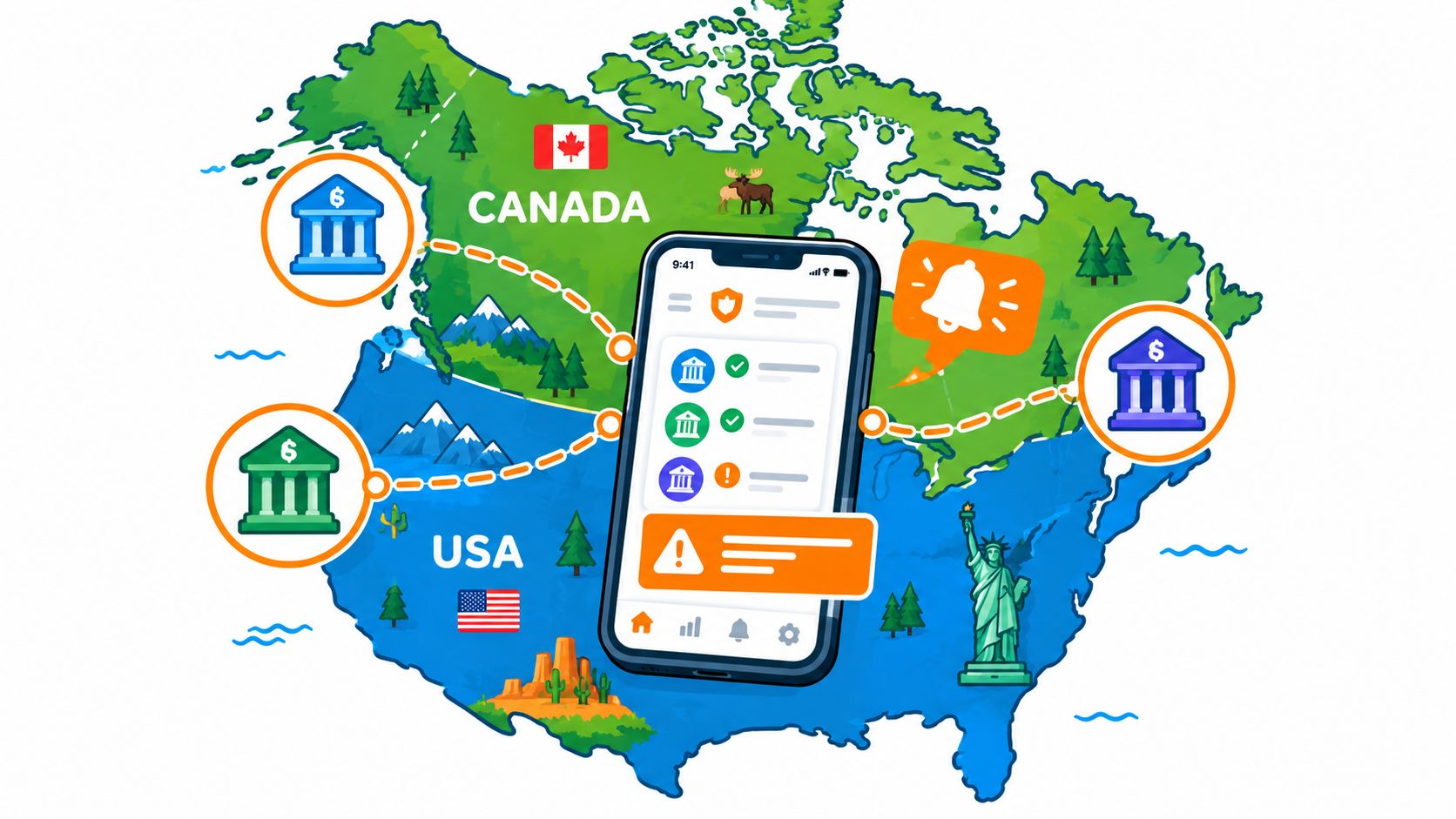
How to Choose the Right Budgeting Tool in Canada and the US
Choosing an app starts with your actual routine. If you rarely remember to update a spreadsheet, a manual-only tool may create the same problem in a different interface. If you don't want to connect a bank account, automatic syncing can't be the deciding feature.
Canadian users also face practical complications. Canadian budgeting coverage identifies bank connections across major banks and credit unions as a weak point, while some paid tools charge in US dollars, which can add card-exchange costs. That makes manual entry and dependable importing meaningful product choices, not signs that an app is outdated.
Use this decision test
- Choose automation if: You make many transactions, want frequent updates, and are comfortable reviewing categorisation.
- Choose manual entry if: You value control, avoid bank connections, or find that entering a purchase makes you more aware of it.
- Choose a flexible tool if: Your income or household spending changes and you need to adjust limits without rebuilding everything.
- Prioritise recurring visibility if: You manage several memberships, digital services, bills, or household accounts.
- Look for shared access if: More than one person pays expenses or needs to see the same goals.
Category-level detail matters because broad totals can hide the source of pressure. Statistics Canada reported average Canadian household spending of $76,750 in its 2023 household spending release, up 14.3% from 2021 and 11.3% from 2019, with transportation up 19.7% and shelter and food each up 17%. These figures are from Statistics Canada's financial tools and calculators page, which also includes a budget planner and financial goal calculator.
US readers can apply the same principle at a local level. A Joint Economic Committee inflation tracker estimated that California households were paying $1,278 more per month in December 2024 for the same basket of goods and services as in January 2021, with category burdens including food at $198, shelter at $301, energy at $126, and transportation at $283. The estimate appears in this California financial literacy and wealth-building announcement. A useful app should help you see which categories are affecting your own household, rather than assuming a generic national pattern.
For more ideas, compare the trade-offs in free budgeting apps, especially their entry methods, connection requirements, and alert features.
Implementation Tips and Common Pitfalls
Start with a system you can maintain during an ordinary busy week. You don't need to catalogue every historical purchase before the budget becomes useful. A small, current view is often easier to keep accurate than a detailed setup that takes so long you never finish it.
Build the first version
- Choose your input method. Connect an account if that suits you, or import and enter transactions manually. If a connection breaks, decide in advance how you'll keep the record current.
- Add fixed commitments. Start with rent or mortgage, utilities, insurance, debt payments, and other regular bills. These costs define how much flexibility remains.
- Create broad categories. Use categories that help you make decisions. “Food” may be enough at first. Split it into groceries and restaurants only if that distinction will change your behaviour.
- Mark recurring charges. Include subscriptions and less frequent renewals. A small regular charge can be easy to ignore when it sits among many transactions.
- Review, don't rebuild. Check whether categories make sense and whether limits reflect reality. Adjust one or two items instead of abandoning the whole system.
Manual entry can be a valid long-term choice. The Chartered Professional Accountants of British Columbia describes Fudget as a minimalist option for people who prefer entering transactions themselves, creating lists of expected expenses, and checking items off when they're paid. That approach suits someone who finds hands-on recording more engaging than automatic syncing.
Avoid these traps
- Too many categories: Detailed labels can create more maintenance than insight.
- Ignoring small renewals: A subscription is still relevant even when each individual charge looks harmless.
- Treating a missed entry as failure: Add it when you remember and continue. One gap doesn't invalidate the whole record.
- Changing tools too quickly: Give a workable routine time to become familiar before deciding that the interface is the problem.
- Setting limits from wishful thinking: Use recent behaviour as a starting point, then make gradual changes that you can explain.
A sustainable budget is allowed to be imperfect. Its job is to help you notice and respond, not to prove that every month went according to plan.
How Fintrack Turns Actual Budgeting into Daily Habits
Fintrack brings income, expenses, budgets, and goals into one working view, then adds Finny, a conversational assistant for questions about spending trends and household decisions. Instead of searching through several reports, you can ask a direct question and use the answer to decide what to review.
Consider a busy month with a few competing priorities. You enter or import current transactions, set category limits, and mark regular bills. When spending starts to move away from a limit, velocity alerts can draw attention to the change while there's still time to adjust.
A realistic weekly routine
On Monday, you might ask which categories have the least remaining room. On Wednesday, you could check whether a recent charge appears twice or whether a subscription renewal was expected. At the weekend, you review flexible spending and decide whether an upcoming purchase fits without disturbing essential bills.
Fintrack also supports people who don't want to rely on a bank connection. That matters for Canadian users who have experienced unreliable connections across banks or credit unions, and for anyone who prefers to enter purchases or import information on their own schedule.
The app's recurring-charge detection and subscription warnings give regular payments a dedicated place in the review. Its duplicate-charge alerts focus attention on transactions that deserve investigation, rather than asking you to inspect every line with equal intensity.
The Benefits Wallet adds another part of the money review. It surfaces unused cashback, credits, loyalty points, discounts, and expiring offers, so value you already have doesn't remain scattered across different programmes. You still need to check whether an offer suits your needs, but the system makes those benefits easier to find.
For a household, shared budgets and goals can reduce the need for repeated messages about who paid for what. The useful test is simple: can each person understand the current position and take the next action without asking someone else to recreate the numbers?
Next Steps for Building a Real Money System
An actual budget app isn't a substitute for judgement. It's a way to make the information needed for judgement easier to access when you're tired, distracted, or in the middle of a busy month.
Start by choosing the level of automation that matches your behaviour. If connected accounts keep you current, use them and verify categories. If you prefer privacy or your bank connection is unreliable, choose manual entry or importing and make that review part of an existing routine.
Then focus on the leaks that are easiest to miss:
- Recurring charges: Review subscriptions and regular renewals instead of treating them as background noise.
- Duplicate transactions: Investigate repeated charges before they distort a category.
- Category drift: Notice when food, transport, or another flexible category is changing the rest of the month.
- Shared responsibility: Give household members a clear view of the same spending limits and goals.
- Unclaimed value: Check credits, rewards, and expiring benefits alongside ordinary expenses.
For Canadian consumers, the adoption gap shows why setup alone isn't enough. The Financial Consumer Agency of Canada found that only 20% of respondents named a digital tool such as a spreadsheet, mobile app, or other financial software as their most common budgeting method, according to its mobile technology pilot research. Among non-budgeters in that pilot, budgeting knowledge rose by 10 percentage points, confidence by 15 points, and actual budgeting use by 14 points. The lesson is practical: tools need to teach and prompt behaviour, not merely display transactions.
Consistency beats complexity. The best setup is the one you'll return to after an expensive week, a missed entry, or a failed connection. A short review that leads to one clear action can do more for your finances than an elaborate plan you avoid.
Fintrack combines category-based budgets, spending progress, conversational questions through Finny, recurring-charge detection, alerts, and a Benefits Wallet in one practical system. Visit Fintrack to explore the budget-planning tools and choose an entry method that fits how you manage money.