
Searching for a budgeting app that works for Canadians? You've probably been there: you find a budgeting app with great reviews, spend an hour setting it up, and then hit a wall. The Canadian bank you use won't connect, the pricing is in US dollars, or the features just don't account for things like TFSAs and RRSPs.
Finding the right budgeting app in Canada can feel like a frustrating search for a tool that sees you as more than an afterthought. This guide cuts through the noise. It focuses on tools that Canadians can practically use, with attention to the trade-offs that matter in real life.
Before you pick one, get clear on three things. Do you want automatic bank syncing, or do you prefer manual entry for privacy and reliability? Is USD pricing a dealbreaker? Are you trying to track every dollar, or do you just want a clean monthly overview and a better guide to achieving financial goals?
1. Fintrack
Fintrack suits Canadian users who want a budgeting app that still works on the weeks when bank connections do not. That matters more than many reviews admit. A tool can look polished on day one and become frustrating the first time your chequing account stops syncing.
Fintrack combines budgeting, spending reviews, goals, alerts, and rewards tracking in one app. The practical advantage is flexibility. You can rely on connected accounts, enter transactions manually, or mix both methods depending on which institutions behave reliably. For Canadians dealing with uneven support across banks and credit unions, that fallback is useful, not old-fashioned.
Why it stands out in Canada
The feature that changes the day-to-day experience most is Finny, Fintrack's conversational assistant. Instead of drilling through menus and reports, you can ask direct questions about recent spending, categories, or monthly patterns and get an answer in plain language. For someone who wants faster decisions rather than more dashboards, that saves time.
The Benefits Wallet also gives Fintrack a different angle from standard budgeting apps. It tracks cashback, unused credits, loyalty points, discounts, and expiring offers alongside your spending. That is relevant in Canada because plenty of households already juggle multiple cards, bank promos, and merchant perks, but rarely see them in the same place as the budget itself.
Practical rule: If your app only tracks what left your account, you can still miss money sitting in credits, perks, points, and recurring charges you forgot to cancel.
Best for
Fintrack is a strong fit for:
- People who want setup flexibility: connected accounts, manual entry, or a hybrid approach all make sense here.
- Couples or households sharing decisions: one dashboard is easier to manage than separate spreadsheets and message threads. If that is your use case, Fintrack's guide to the best budgeting app for couples is a useful next read.
- Anyone trying to catch waste early: subscription alerts and recurring-charge visibility help before small charges pile up.
- Canadians tired of relying on fragile syncs: a bank-free workflow is a real advantage if your institution is inconsistent.
The trade-off is straightforward. Fintrack gets more useful as you connect more accounts and services, so users with cash-heavy spending or unsupported institutions will spend more time maintaining data manually. Pricing is also something to verify before you switch, especially if you are comparing it with apps billed in USD and want a clean CAD-versus-USD comparison across your shortlist.
2. Monarch Money
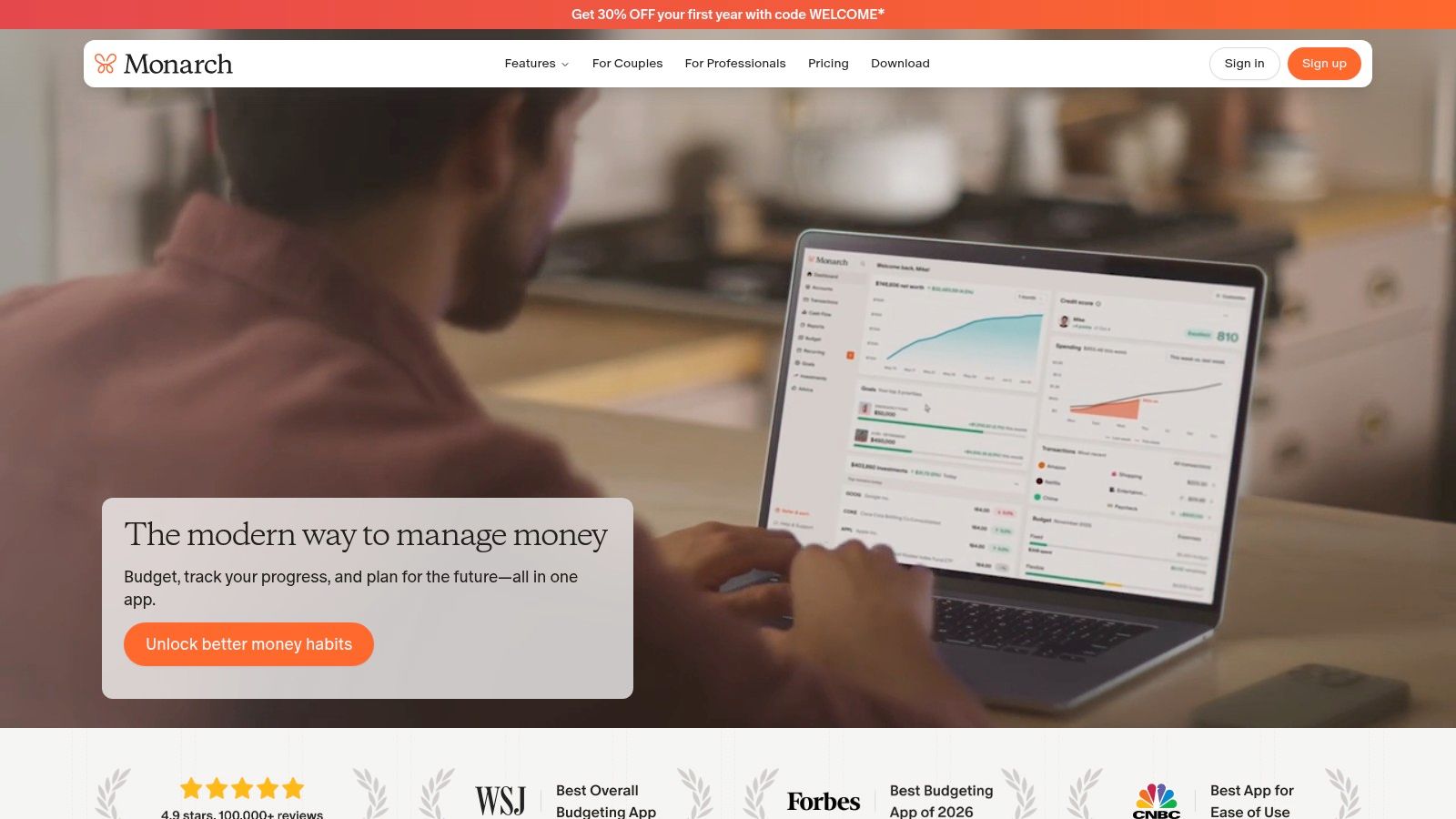
Monarch Money is a polished planner-style app for people who want budgeting, account aggregation, bill tracking, and net worth in one interface. It feels closer to a financial command centre than a bare-bones budget tool.
Its Canada appeal is simple. Monarch publicly acknowledges Canadian institutions and publishes connection-status information for them, which is more transparent than many competitors. If you're set on aggregation and want to know whether your bank connection is stable before you commit, that's a meaningful advantage.
Where Monarch works well
Monarch is a good fit if you want to see your bank accounts, credit cards, investments, bills, and goals in one place. The interface is clean, and the planning tools are better than what you'll get from apps that focus mostly on manual expense logging.
The trade-off is cost clarity for Canadians. Monarch is billed in USD, so the monthly price isn't always what it feels like at first glance once currency conversion enters the picture. If you hate surprise mental math, that matters.
The best-looking app can still be the wrong app if you resent opening it every month because the bill is in another currency.
I like Monarch most for users who want a modern all-in-one dashboard and are comfortable with that pricing trade-off. I like it less for anyone who wants a simple, low-friction budgeting app Canada users can run manually when bank sync fails.
3. YNAB (You Need A Budget)
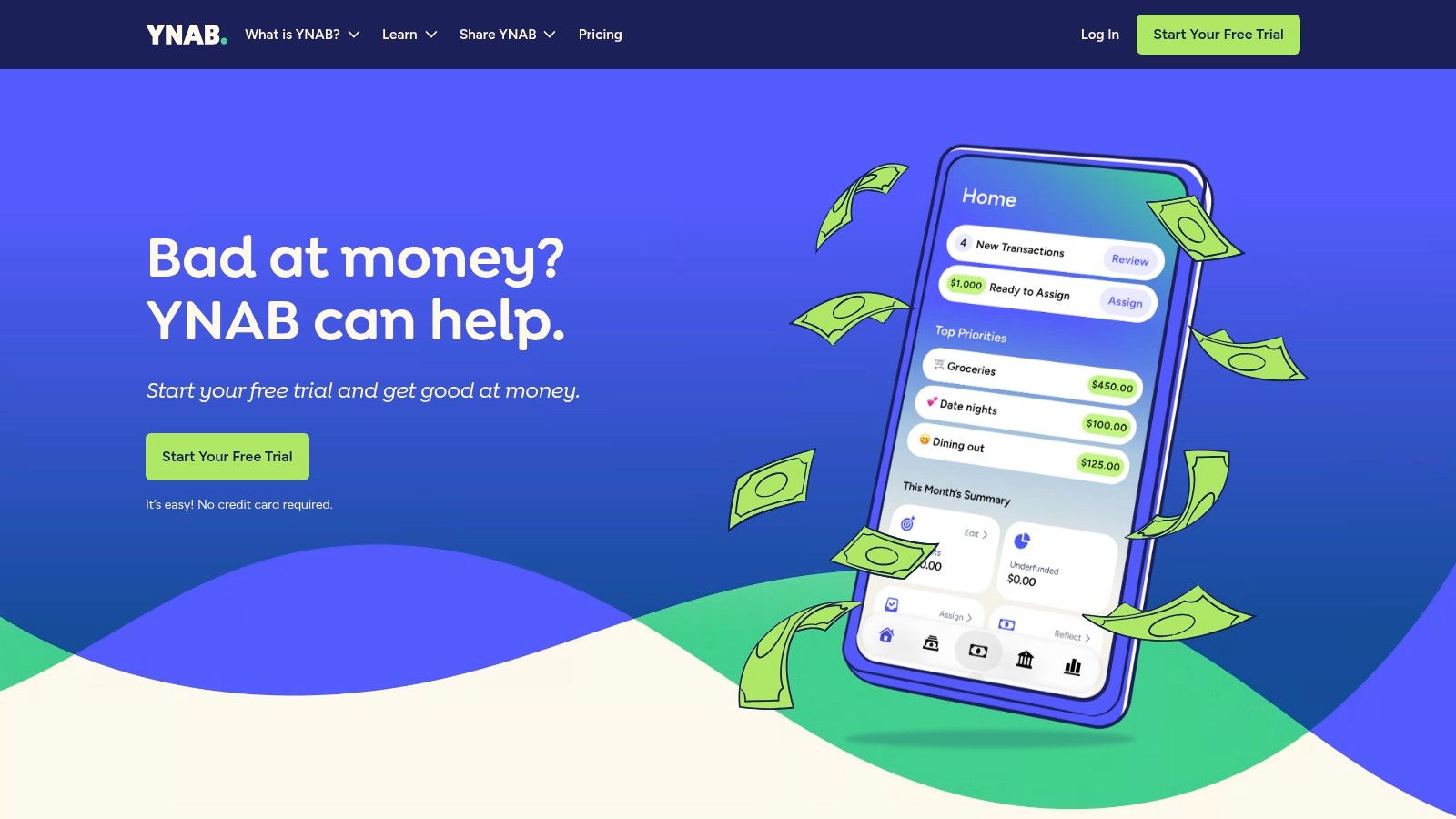
You connect your accounts, set up categories, and realize YNAB is asking you to make decisions, not just review transactions. That is the point. YNAB is one of the strongest options here for Canadians who want a real budgeting system and are willing to follow it consistently.
Its strength is the method. YNAB teaches zero-based budgeting clearly, and the app is built around assigning every dollar a job before spending happens. For people who overspend because the month feels vague, that structure can fix the problem faster than a prettier dashboard ever will.
The Canadian trade-off is practical. Bank imports can be inconsistent depending on your institution, and the subscription is billed in USD. One published comparison notes YNAB is priced at US$14.99 monthly or US$84.99 annually, which puts it in the same general range as many premium budgeting apps Canadians consider, but the exchange rate still changes how that charge feels in real life.
Who should pick YNAB
YNAB fits people who want hands-on control. The targets, category rules, education library, and active community all help if you are trying to build better habits, not just monitor spending after the fact.
It fits less well if you want budgeting to stay mostly in the background. If your ideal app auto-imports transactions, sorts them cleanly, and asks little from you, YNAB can feel like work. I usually tell Canadians to treat that as the deciding question. Do you want an app that shows your money, or one that forces you to plan it?
If the method sounds right, this guide to choosing a zero-based budgeting app is a useful next read before you migrate.
For Canadians, YNAB is easiest to justify when the method itself is the product. If your top priorities are stable Canadian bank sync and CAD-first pricing, there are easier tools to live with.
4. Lunch Money
Lunch Money has built a loyal following among Canadians for good reason. It feels like it was made by someone who understands the local annoyances instead of treating them as edge cases.
That shows up in the basics. It supports Canadian users more intentionally than many U.S.-first apps, and the pricing approach is easier to live with if you prefer clear annual billing in Canadian dollars.
Why Canadians tend to like it
Lunch Money is strongest for people who want transaction imports, categorization, recurring expense visibility, and trend tracking without a bloated interface. It has an indie-product feel in the best way. Focused, thoughtful, and less corporate.
It also fits people who care about local realities like RRSPs, TFSAs, and mixed-currency life. If you're paid in Canada, spend in Canada, and occasionally cross into USD spending, that context matters more than generic "personal finance app" marketing.
What doesn't work as well is pure mobile-first usage. The web experience is central, and while mobile support exists, this still feels more desktop-native than some competitors.
For a lot of readers, that's fine. Lunch Money is one of the better choices when you want Canadian-minded budgeting without turning your money system into a hobby.
5. PocketSmith
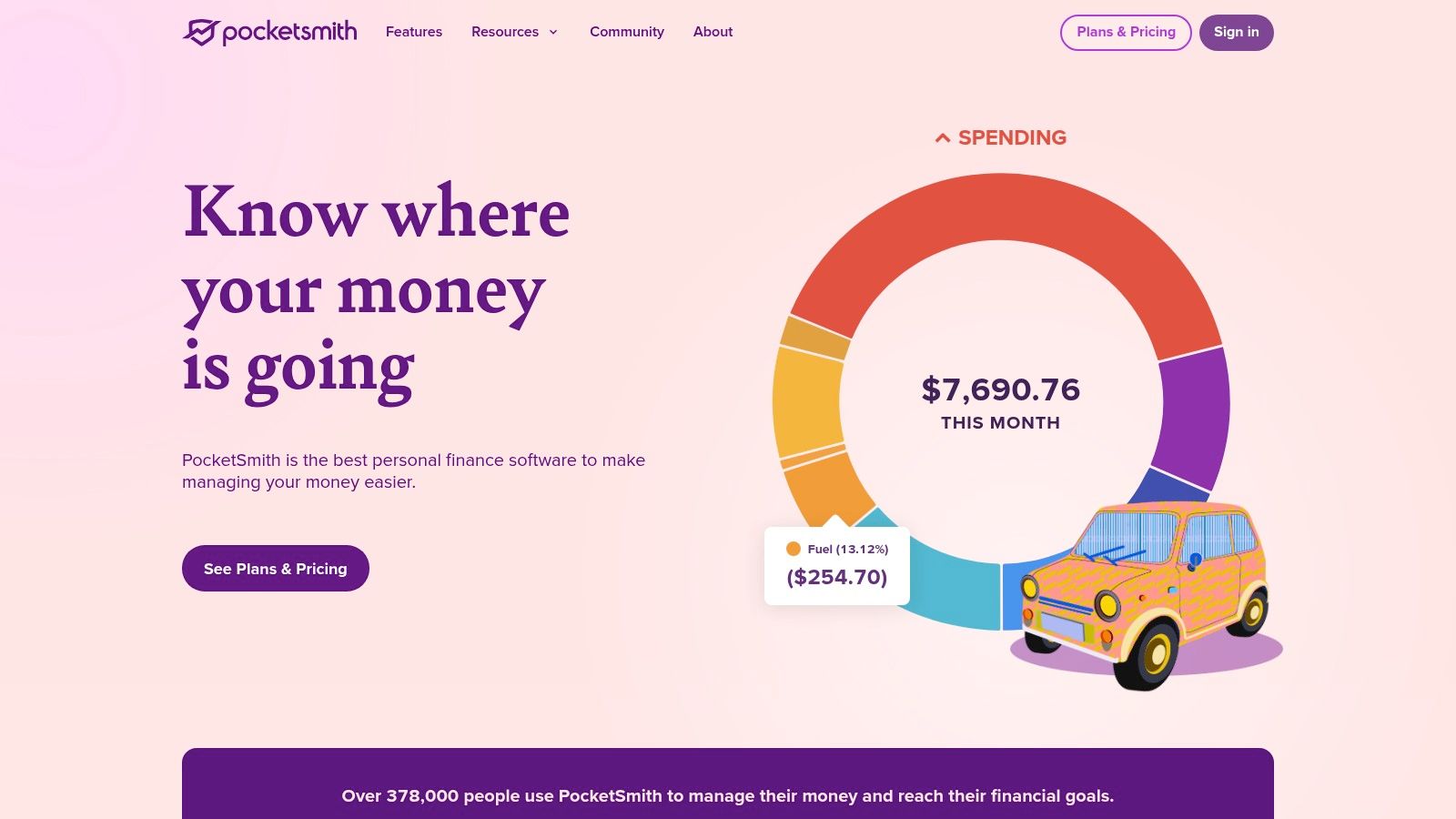
You notice the problem a few weeks before it hits. Rent, insurance, and a larger credit card bill are all landing in the same window, and you want to know whether cash will get tight before payday. PocketSmith is built for that kind of planning.
Its strength is forecasting. The calendar view makes future bills and expected income easier to read than a standard category dashboard, so you can spot timing problems early instead of reviewing them after the month closes. That makes it a better fit for Canadians who manage irregular pay, contract income, or lumpy annual expenses.
The trade-off Canadians should weigh
PocketSmith also reflects a Canadian reality that many U.S.-first apps gloss over. Bank syncs can be inconsistent here, especially if you spread accounts across more than one institution. The result is simple. If a feed breaks, your budget can go stale until you reconnect it or import fresh data.
PocketSmith is one of the better tools for users who can work with that trade-off because manual entry and CSV imports feel built into the product rather than bolted on later. If you are switching from another app, treat the move like a small project. Export transactions, clean up categories, and test a month or two of imports before you rely on the forecasts.
That matters more with PocketSmith than with simpler budget apps. Its value comes from having enough clean data to project what happens next.
If your priority is building day-to-day awareness before you start forecasting, Fintrack's guide on why budgeting matters in the first place is a useful place to start.
PocketSmith works best for forward planners who want to model upcoming cash flow and are willing to do some maintenance when Canadian bank connections misbehave. If you want a tool that keeps working even when automation does not, it deserves a serious look.
6. KOHO
KOHO sits in a different category from most of the apps here because it's also tied to a spending account. If you want your budgeting, card activity, cashback, and savings features in one Canadian product, KOHO is easy to understand.
That setup is the appeal. You spend through the account, and the budgeting insights come from activity inside the same ecosystem. For some people, that makes budgeting more consistent because it reduces the number of moving parts.
Where KOHO fits best
KOHO is best for users who want a Canada-first mobile experience and don't need advanced budgeting philosophy. It gives you spending visibility, real-time notifications, cashback features, and optional credit-building tools inside one app.
The limitation is depth. Compared with dedicated budgeting software, KOHO's budgeting tools are more integrated than specialised. That's fine if your goal is spending awareness. It's less ideal if you want detailed category planning, long-range forecasting, or a more flexible system across multiple accounts.
A lot of people don't need complexity. They need something they will check. That's where KOHO can be effective.
If you're still deciding whether a budget app is worth the effort at all, Fintrack's article on why budgeting is important helps clarify what a tool should do for you.
7. Wealthica (Budget Wizard)
Wealthica is the choice for people whose finances don't stop at chequing and credit cards. If you track investments closely and want budget visibility in the same platform, it's more compelling than many pure budgeting apps.
The product is especially useful for Canadians with multiple institutions. It is known first for aggregation across banks and brokerages, with Budget Wizard added for spending and budget monitoring. That makes it feel like an investments-first money dashboard rather than a classic budgeting app.
Best use case
Wealthica makes sense when your main problem is fragmentation. You want to see accounts, portfolios, and spending in one place, and you care about exports and reporting.
The trade-off is that the budgeting side may feel lighter than what you get from YNAB or Monarch. If budgeting is the main event for you, not a supporting feature, Wealthica may not be deep enough.
Still, for Canadians juggling bank accounts, brokerages, and day-to-day spending, this is one of the more relevant local options. It fills a gap that many U.S.-centric tools don't handle gracefully.
8. Toshl Finance
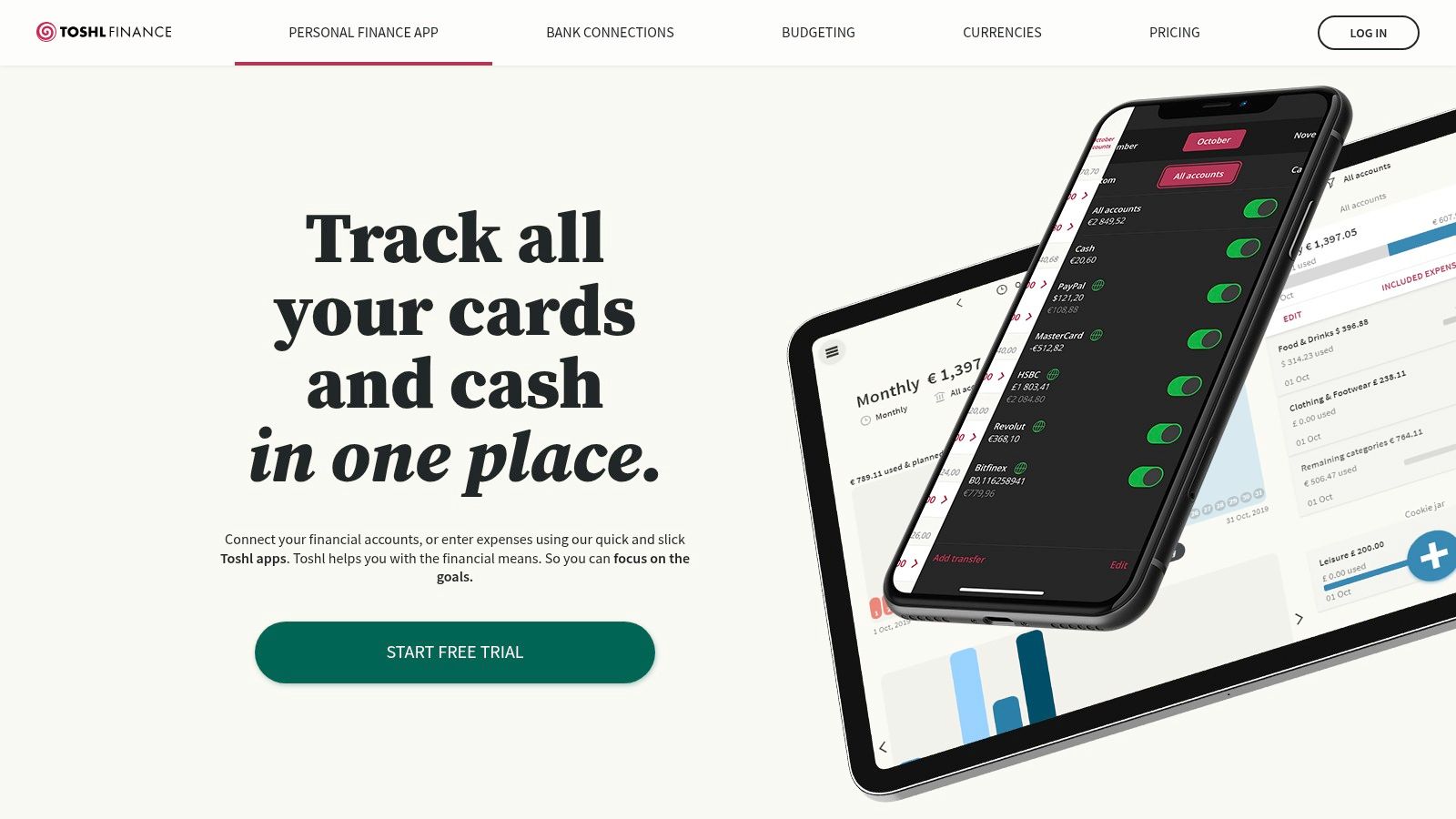
A common Canadian setup looks like this: one chequing account at a big bank, a credit card at another institution, and a few USD charges mixed in from travel, U.S. subscriptions, or cross-border income. Toshl Finance fits that kind of messy reality better than apps that assume one currency and perfect bank feeds.
Its appeal is flexibility. You can track spending manually, use bank syncing where it works, and keep a simple budget structure without committing to a stricter method like zero-based budgeting. For Canadians, that matters because bank connections are often inconsistent enough that a good manual workflow is not a backup plan. It is part of the plan.
What Toshl does well
Toshl is approachable. The visuals are clear, recurring expenses are easy to set up, and multi-currency support is very useful if you spend or earn in both CAD and USD.
That lines up with a wider pattern in budgeting software. A Business Research Insights report on the budget apps market found that many users rely on these apps for core expense tracking, while a sizable share also want personalized guidance. Toshl covers the first job better than the second. It is stronger as a spending tracker and budget monitor than as a coaching tool.
The main trade-off is bank connectivity. Canadian support can be uneven by institution, so verify your accounts before paying for sync features. If you switch to Toshl, treat setup like a small migration project: test one account first, import a month or two of history, confirm categories map cleanly, and only then decide whether manual entry, imports, or sync should be your long-term setup.
9. Spendee
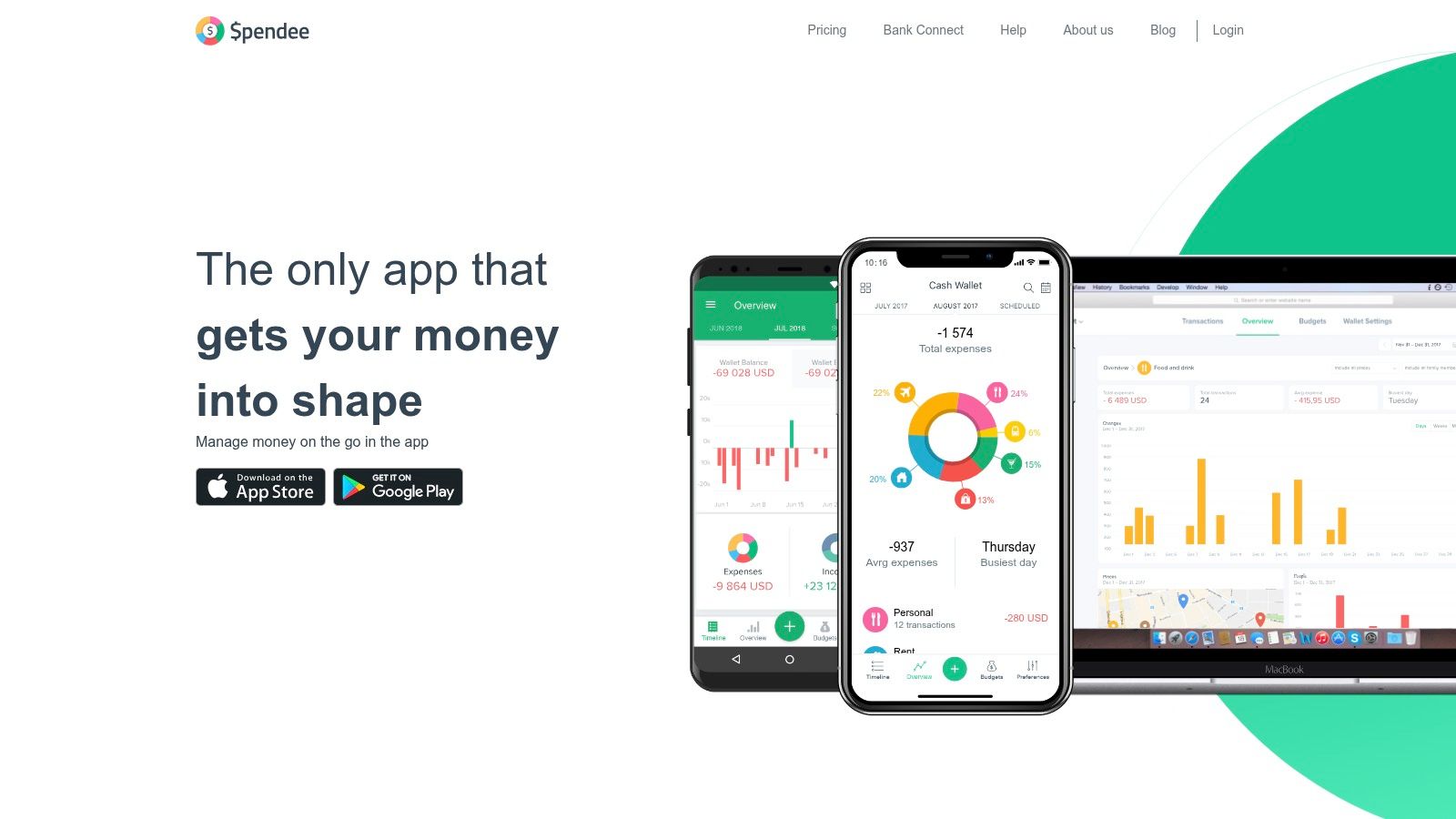
Spendee is one of the easier apps to recommend for shared budgeting. If you're managing household spending with a partner or family member, the shared wallet setup is the feature that matters most.
It doesn't assume every user wants a hardcore budgeting system. That makes it more approachable for households that need collaboration first and budgeting sophistication second.
When Spendee makes sense
Spendee works well if you want:
- Shared visibility: Household spending is easier to review when both people can see the same categories and wallet.
- Flexible setup: You can use manual entry, CSV imports, or bank syncing where supported.
- Simple bill tracking: It's easier to keep recurring payments in view without a heavy learning curve.
The downside is that Canadian coverage isn't as deep as in some other regions, so you have to verify support before paying for sync features. That's not unique to Spendee, but it matters more for this app because shared use breaks down quickly when only one person's data updates cleanly.
If your household mostly wants a collaborative spending tracker and doesn't need an advanced method, Spendee is a reasonable middle-ground choice.
10. Goodbudget
A common Canadian budgeting problem looks like this. You pick an app for bank sync, connect your accounts, then spend the next two weeks fixing broken links, duplicate transactions, or missing categories. Goodbudget avoids that whole setup by making manual entry the main workflow.
That trade-off makes more sense in Canada than many roundup posts suggest. RBC Wealth Management noted that only 20% of Canadians used a digital budgeting tool during the pandemic period, even as card and mobile payments became more common. A manual system still fits a large group of users, especially if they want control more than automation.
Why Goodbudget still works
Goodbudget is built around digital envelopes. You set aside money for groceries, rent, transit, or eating out, then record spending against those buckets as it happens. For users who check their budget every few days, that process can be more accurate than a flaky sync connection.
Manual entry also changes behaviour. People catch overspending sooner when they have to log the purchase themselves.
This app is a practical fit for students, newcomers, and households with uneven cash flow. Credit Canada points to those gaps directly in its review of budgeting apps for Canadians, especially around irregular income, limited credit history, and getting basic accounts set up. Goodbudget does not solve those problems for you, but it does give you a low-friction way to start budgeting before your financial setup is fully established.
The downside is obvious. Manual systems take discipline, and they break fast if you stop entering transactions. If you want automatic net worth tracking, subscription detection, or account-level reporting, other apps on this list will do more.
If the envelope method is what you want, this guide to cash envelope budgeting in a digital setup is a useful next read.
Top 10 Canadian Budgeting Apps: Features & Pricing
| Product | Core features | Target audience | Key benefits / USP | Pricing & availability |
|---|---|---|---|---|
| Fintrack (Recommended) | AI assistant (Finny); Benefits Wallet; subscription detection; real-time alerts; consolidated dashboard | Individuals & households who want low‑friction AI help to stop leaks, reclaim rewards, and build savings | Natural‑language insights; surfaces hidden cashback/credits/points; strong security (bank‑level, SOC 2, GDPR‑ready) | Free‑forever tier (no card); premium tiers available |
| Monarch Money | Account aggregation; bill sync; goal planning; net worth tracking | Users wanting planner‑style budgeting with aggregated accounts (Canada focus) | Clean planner UI; transparent Canada connection status | Billed in USD; monthly or annual plans |
| YNAB (You Need A Budget) | Zero‑based budgeting workflow; bank/file import; household sharing | Method‑driven savers who want education, workshops, and strict budgeting | Deep tutorials, active community, proven method | USD subscription; 34‑day free trial |
| Lunch Money | Transaction import & auto‑categorization; Canadian bank sync; recurring trends | Canadians preferring a local, indie budgeting tool | Built/priced for Canada; pay‑what‑you‑want annual with price‑lock | Pay‑what‑you‑want yearly (CAD); price‑lock for returning users |
| PocketSmith | Cash‑flow forecasting; budget calendar; multi‑currency; manual/CSV import | Forward‑looking planners who need long‑term projections | Decades‑ahead forecasting; calendar view for cash‑flow planning | Multiple tiers incl. free plan |
| KOHO | Spending account + app; budgeting insights; cashback; credit building | Canadians who want banking + budgeting in one prepaid Visa‑style product | Combines spending account with budgeting and rewards | Multiple plan tiers with differing perks |
| Wealthica (Budget Wizard) | Canadian account & investment aggregation; Budget Wizard; reports & exports | Investors and households wanting unified Canadian financial visibility | Strong investment tracking + simple budgeting tools | Free basic; affordable premium for advanced features |
| Toshl Finance | Envelope‑style budgets; multi‑currency; recurring items; optional bank sync | Global users needing flexible envelope budgets with manual or auto options | Broad bank coverage (Plaid/Salt Edge); friendly UI | Free manual tier; Medici paid plan adds auto‑sync |
| Spendee | Shared wallets; bill tracking; CSV import; optional bank sync | Households and shared budgets who collaborate on finances | Easy shared wallets and simple onboarding; works with or without bank sync | Free tier; paid features for bank sync and extras |
| Goodbudget | Envelope budgeting; manual/CSV entry; household sharing | Manual budgeters who prefer envelope system and simple workflows | Strong free manual envelope system; easy to learn | Free tier; Premium for auto‑sync and extras |
Making Your Final Choice: Where Fintrack Fits In
A budgeting app usually feels great on day one. The crucial test comes a week later, after a bank connection drops, a recurring charge gets miscategorized, or a USD subscription costs more in CAD than you expected. That is where many Canadian users decide whether a tool is usable or just polished.
The practical choice is the app you will keep using after the first cleanup session.
For Canadians, four questions tend to decide it. Does it connect reliably to the banks and cards you use? Can you live with some manual correction when sync breaks? Are you comfortable paying in USD for a tool that reports on a CAD budget? Do you want simple tracking, or do you want guidance on what to change next?
Testing your top two options over one real pay cycle usually gives a clearer answer than reading another feature list. Add your income, set up recurring bills, review a grocery run, and check how the app handles transfers, refunds, and shared expenses. If the setup already feels fussy in week one, it rarely gets better after months of history pile up.
Treat a switch like a small migration project.
- Export your old data first: Save transactions, category lists, and any reports you may want for tax season or year-over-year comparisons.
- Build a category map: Match old categories to new ones before you import, especially if one app uses broad spending buckets and the other is more detailed.
- Set recurring transactions early: Rent, insurance, subscriptions, debt payments, and transfers are the entries most likely to distort your first month if they are wrong.
- Check currency handling: USD-priced apps can be worth paying for, but Canadians should confirm how the app displays exchange rates, converted transactions, and account totals.
- Run both tools for a week or two: A short overlap helps catch duplicate imports, missing accounts, and broken rules before the old app is gone.
Subscription fees are common now, but the price alone should not decide it. A cheaper app that needs frequent manual repair can cost more in time than a pricier one with better workflows. The reverse is true too. Paying in USD for advanced features only makes sense if those features solve a real problem in your household.
Fintrack stands out here for a specific reason. It is not limited to passive expense tracking. It adds plain-language AI help, subscription detection, alerts for unusual or duplicate charges, and a Benefits Wallet that helps you manage loyalty discounts.
That matters in Canada, where many households end up using a mixed approach. Linked accounts are useful when sync holds up. Manual entry and review matter when one broken connection can throw off an entire month. Fintrack supports both, which makes it easier to keep your process intact instead of rebuilding your habits around the app.
If you want a budgeting app Canada users can stick with through sync issues, category cleanup, and real monthly reviews, Fintrack is a reasonable fit. It suits people who want budgeting help, spending visibility, and faster answers without depending entirely on perfect bank connections.