You set up a tidy tracker on Sunday, log workouts, bills, and savings by Wednesday, and by the following Sunday the app sits untouched. You're not lazy. The tracker probably asked for too much setup, showed a percentage you didn't trust, or punished one missed day so hard that opening it felt bad.
A progress tracker free plan can still work, but only if it matches what you're measuring. A habit needs a quick tap. A project needs stages. Money needs actual spending, not just a hopeful savings bar. In a survey of 3,040 Canadian adults, 46% said most apps they download are not useful, according to the Simplii Financial digital trends report.
That's why this list sorts options by job, goals, habits, projects, or money, and puts free plan caps up front. It also flags which money tools suit Canadian readers without linking a bank account. If fitness is one of your goals, building a consistent strength training routine needs the same low friction approach, small check-ins you can repeat when motivation dips.
1. Yearbar
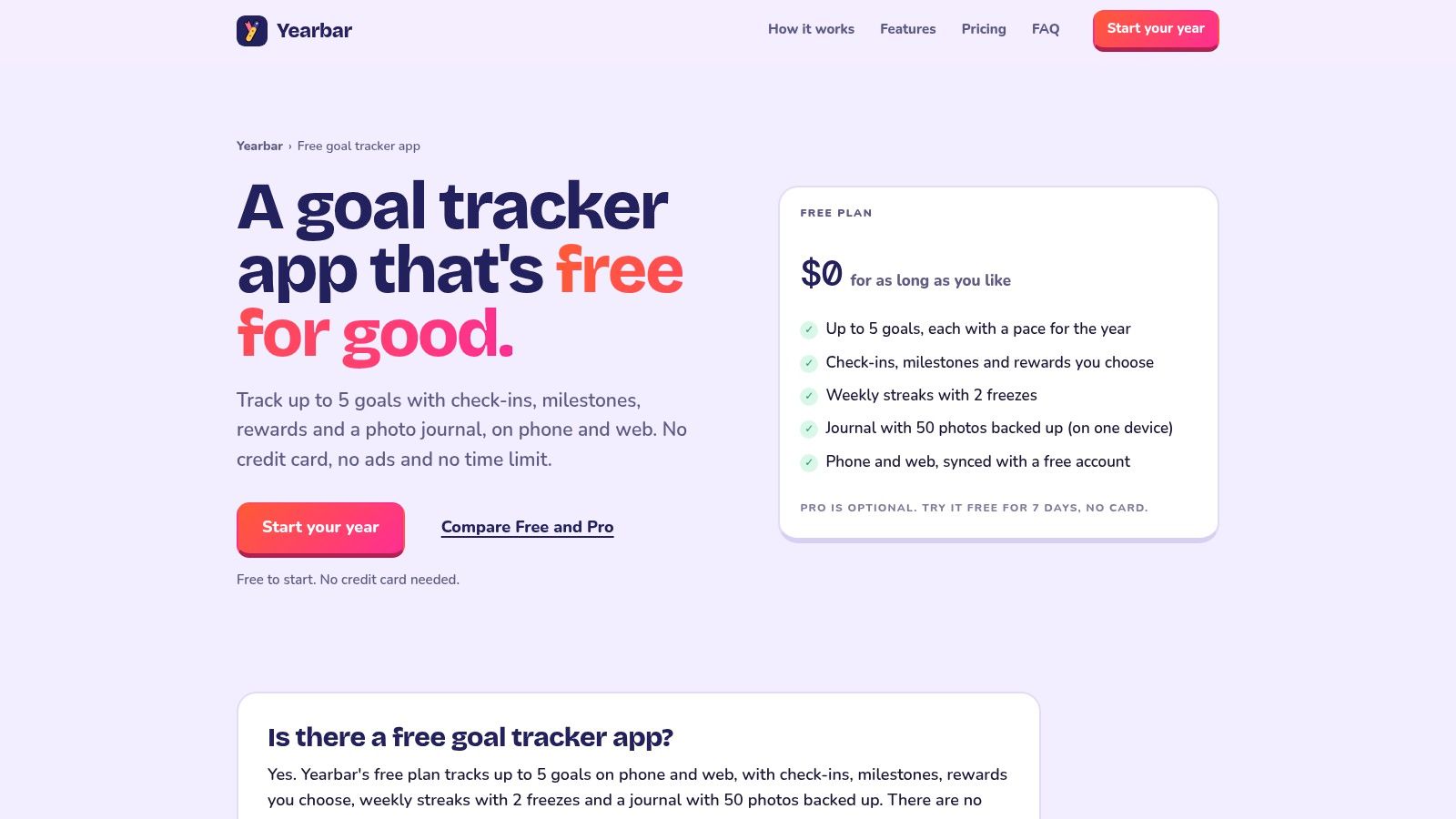
Yearbar suits broad yearly intentions that need regular check-ins, not a detailed project plan. Think save more, learn French, finish a portfolio, or exercise consistently. The free plan supports up to five goals across phone and web.
You get goal check-ins and milestones, weekly streaks, user chosen rewards, a photo journal, and sync across devices. That photo journal is more useful than it sounds for slow goals, because a picture can show change when a percentage barely moves.
- What works: No stated time limit on free use, and no credit card required to start.
- What doesn't: Five goals is a hard ceiling, and streak pressure may annoy you if your schedule is irregular.
- Best first step: Pick two goals only, then add more after a month of check-ins.
I'd use Yearbar's free goal tracker for personal milestones, not money detail. If one goal is financial, pair it with clearer target setting from this guide on setting financial goals you can actually measure.
2. OpenHabitTracker
OpenHabitTracker takes a calmer view of missed days. Instead of treating a gap as a broken streak, it emphasizes how overdue an item is compared with its repeat interval. That framing helps for habits you do every few days, like watering plants, reviewing spending, or calling family.
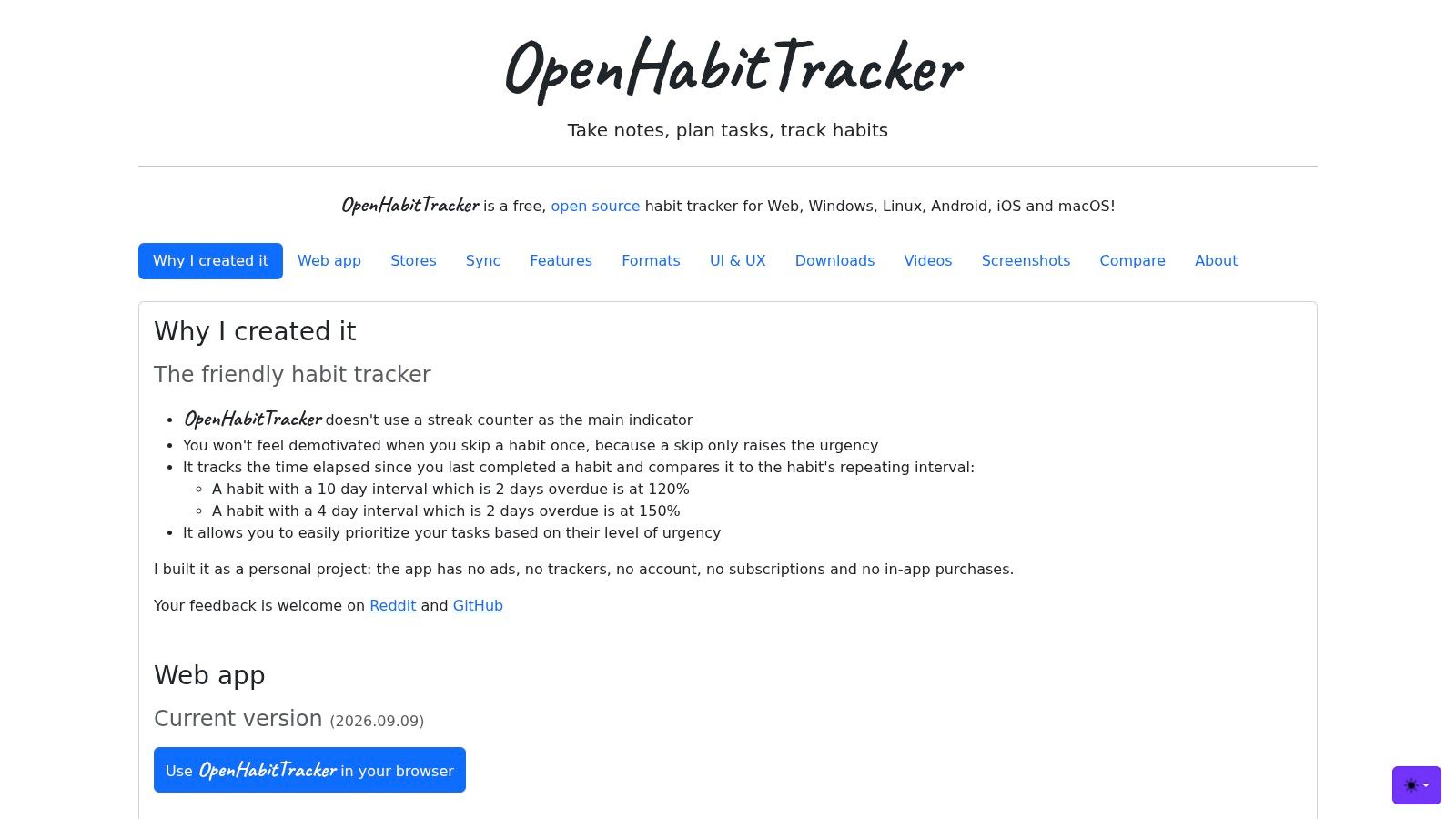
It's free and open source, with habit and task tracking, notes, and support across web, Windows, Linux, Android, iOS, and macOS. According to its official site, there's no account required, and no ads, subscription, or in-app purchases.
That privacy and platform choice come with a trade-off. You're largely directing yourself, without the guided coaching, polished onboarding, or large support team a commercial app may offer. If you like configuring your own system, that's fine. If you need prompts that tell you what to do next, you'll feel the gap.
Try OpenHabitTracker when you want flexible intervals and notes in one place, and you don't want another account just to tick a box.
3. Loop Habit Tracker
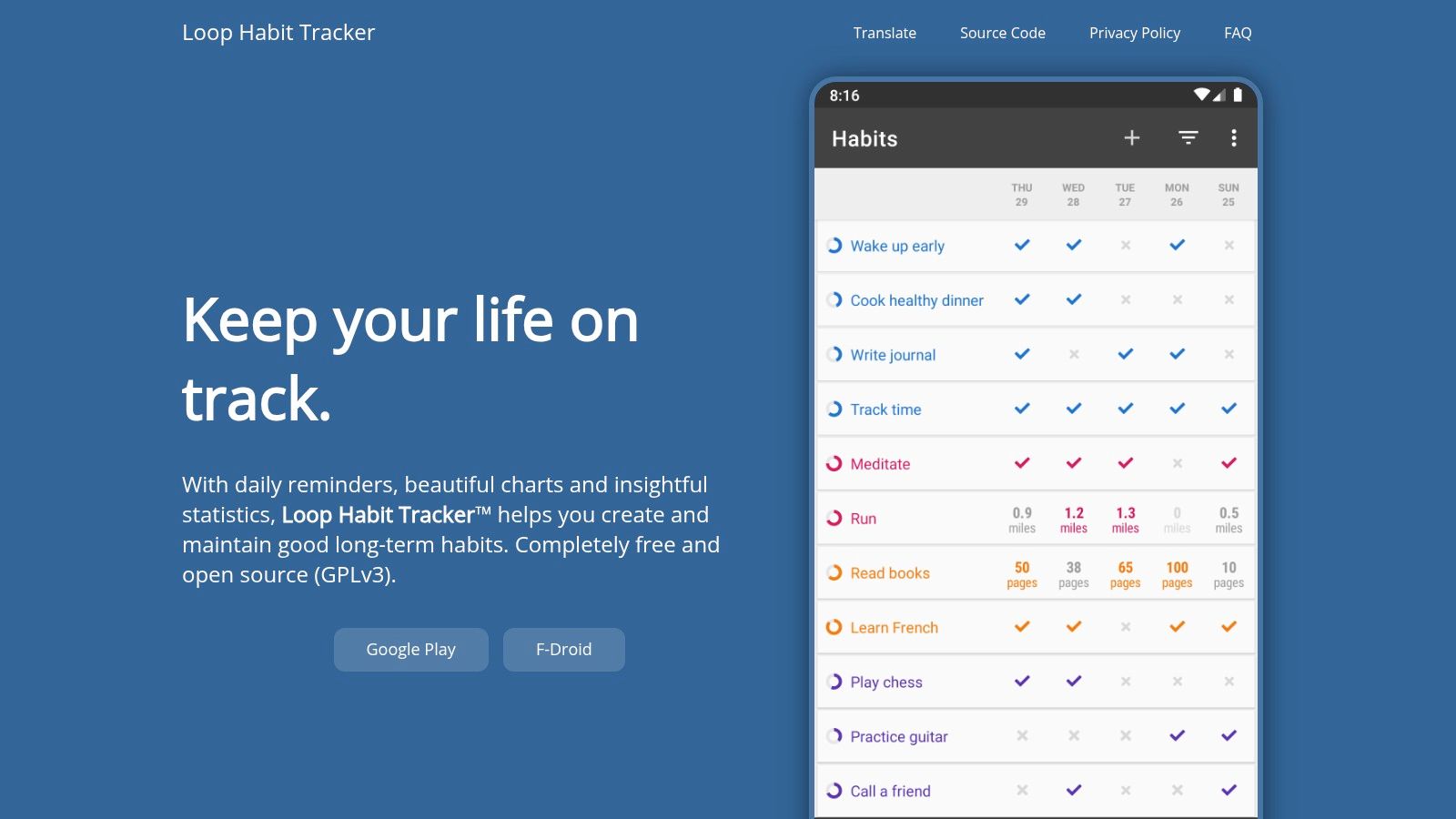
For Android users who want the fewest moving parts, Loop is hard to beat. You create a habit, set reminders, tap to log it, and check the charts when you want proof. It works offline and doesn't require an online account.
Why It Sticks
Widgets put today's habits on your home screen, so logging doesn't depend on remembering to open an app. Progress charts, statistics, and data export give you enough feedback without turning a simple habit into a project.
- Strengths: Free and open source, no ads or in-app purchases, and no stated habit limit.
- Limits: It's focused on Android, so it's not ideal for a shared household dashboard or easy web access.
A habit tracker you can update in two seconds beats a richer one you avoid opening.
Download it from Loop Habit Tracker if your main job is daily repetition. Don't force it into budgeting, team work, or long term project planning.
4. ClickUp
ClickUp is the opposite of Loop. It's a full workspace for tasks, documents, calendars, and Kanban boards, with a Goals feature for measurable targets. That breadth helps when a project has many steps, files, and people, but it can bury a simple personal tracker.
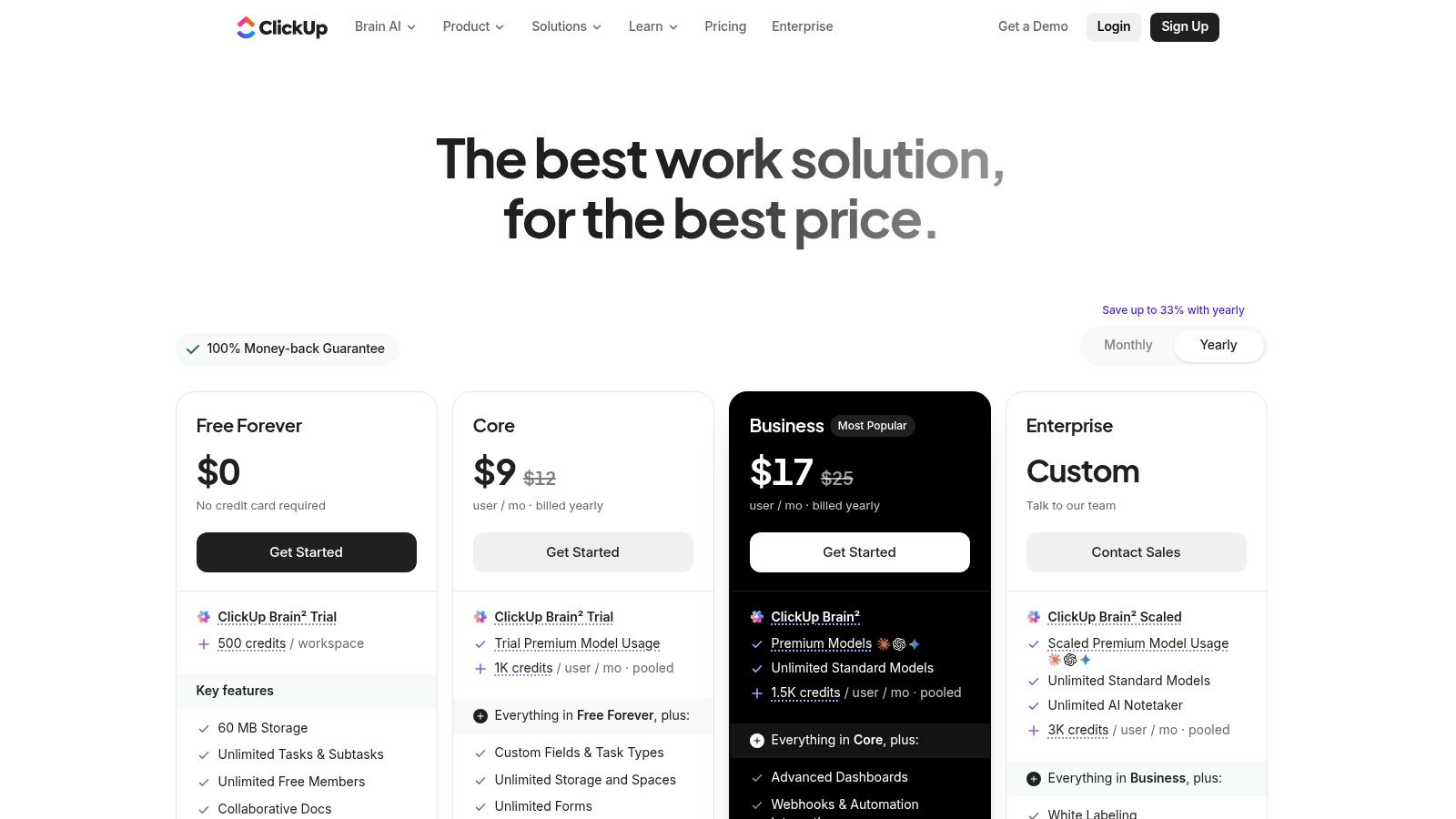
The Free Forever plan includes 100 uses for Goals, and goals can use number, currency, completion, or task targets. You also get unlimited tasks and collaborative documents, which makes ClickUp practical for a renovation, course launch, or small team sprint.
Setup time is the cost. Free storage is limited, advanced features sit on paid plans, and new users often spend longer choosing views than doing work. Start with one list, one board, and one goal.
For a short project with a clear finish line, our explainer on short term goals and realistic deadlines pairs well with it. Check current limits on ClickUp's pricing page before you build a large workspace.
5. Trello
Trello makes progress visible by movement. Cards start in To do, move to In progress, and land in Done. You don't get deep reporting, but you can see a stalled project at a glance because cards stop moving.
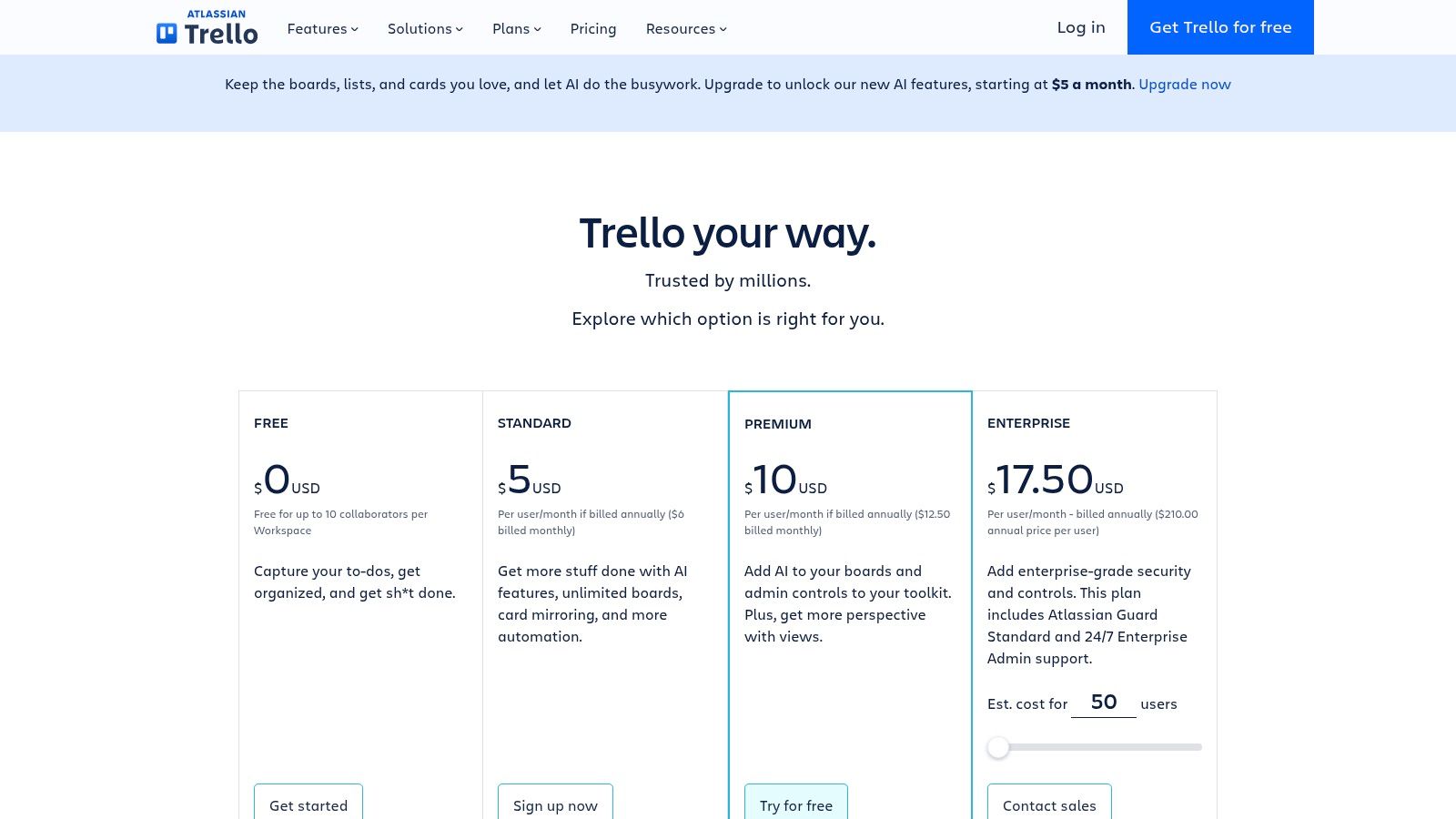
The free plan offers unlimited cards and up to 10 boards per Workspace, plus checklists, due dates, assignees, mobile apps, and integrations. That's enough for a move, a job search, a home repair list, or a small team that needs shared visibility more than metrics.
The weakness shows up when you ask, how far along are we, exactly. Progress metrics and reporting aren't central, and free workspaces have board and file size limits. Labels helped by colour can become clutter if every card gets five of them.
I recommend Trello's free plan when the work naturally moves through stages. Skip it if you need percentages, forecasts, or a reliable measure of capacity.
6. Asana Personal
Asana Personal gives you more structure than Trello without ClickUp's sprawl. You can view the same work as a list, board, or calendar, which helps when a partner thinks in deadlines and you think in stages.
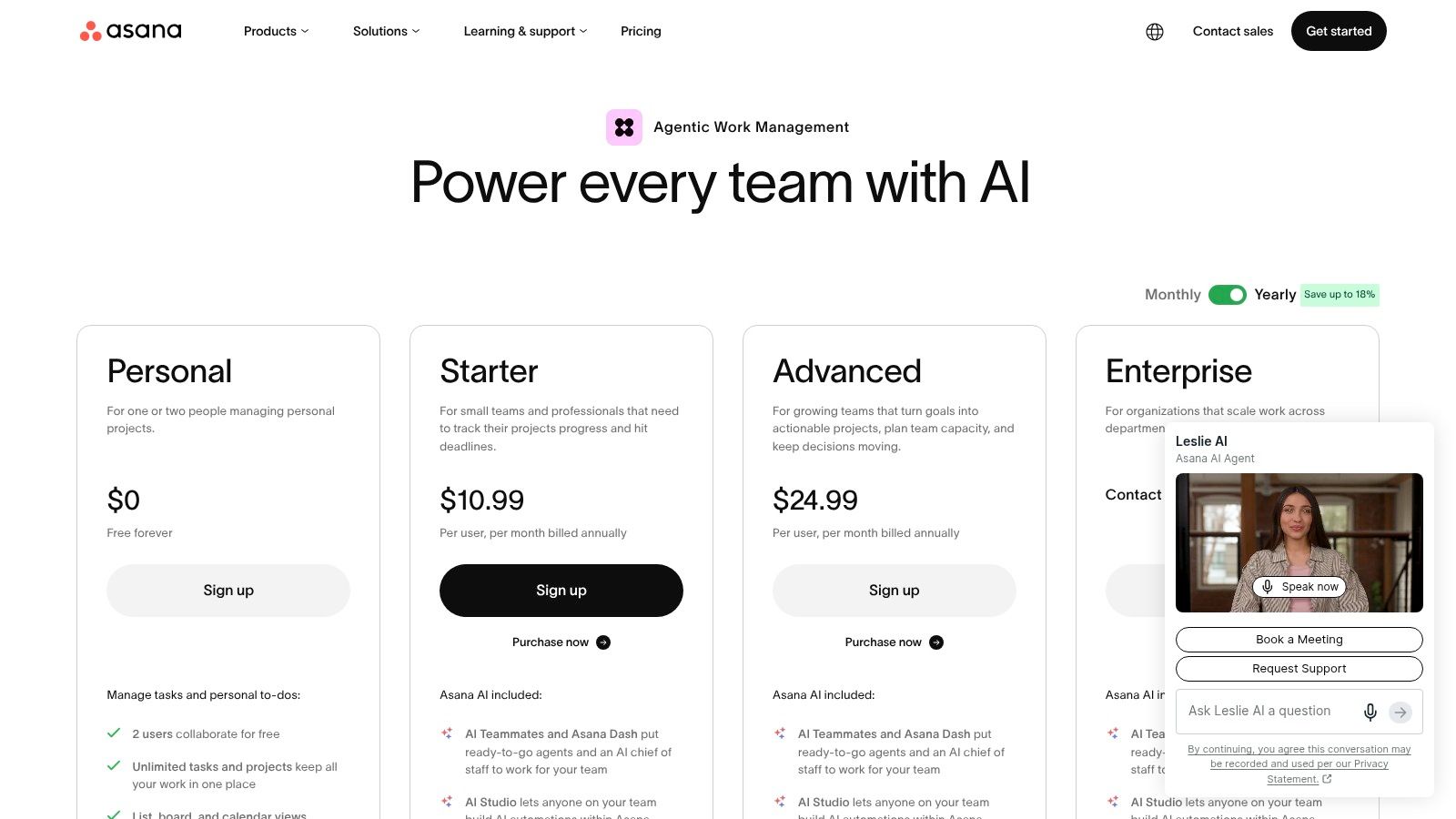
The free Personal plan includes unlimited tasks and projects, status updates, integrations, and file attachments. The catch is people. It's limited to two users, so it suits solo work or one collaborator, not a growing team.
Advanced reporting, timeline features, and some goal management tools require paid plans. That means you can track tasks well for free, but proving overall progress to a client or manager may push you toward an upgrade sooner than expected.
Use it for: Freelance projects, shared household projects with one other person, and personal planning with due dates.
Avoid it for: Detailed portfolio reporting on the free tier.
It's also a tidy way to organize your job hunt by application stage. Compare the current tiers on Asana's pricing page.
7. Notion
Notion isn't a dedicated tracker. It's a flexible workspace where you build one from databases, tables, templates, and notes. That freedom is the appeal and the risk.
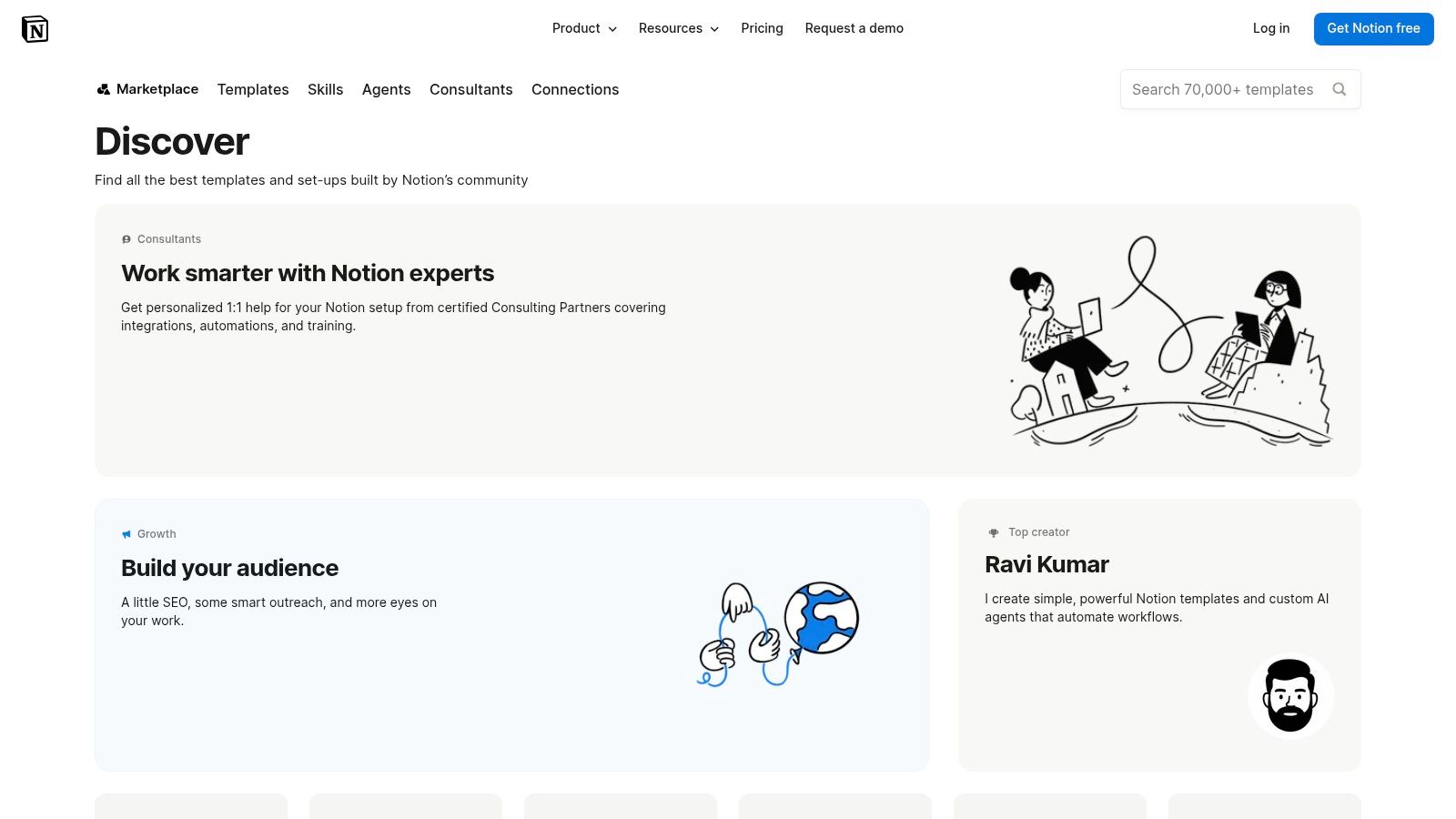
Free templates cover goals, habits, budgets, and more, and you can adapt views as your needs change. Keeping plans beside supporting notes works well for a course, writing project, or money review where context matters as much as the number.
Template quality varies, though. A beautiful template with twelve properties can take longer to maintain than the habit itself. Before building, track actual behaviour first. Canada's Financial Consumer Agency recommends tracking every purchase and bill for one or two months before setting or revising a budget, including small purchases like coffee.
That principle applies beyond money. Collect simple data first, then design the view. If you like the dashboard idea, see what belongs in a personal finance dashboard, then browse Notion's template gallery with a short list, not an open afternoon.
8. Habitica
Habitica turns habits, recurring tasks, and to-dos into a role-playing game. You earn rewards, level up an avatar, join parties, and take on challenges. For the right person, that game layer makes a boring Tuesday check-in feel worth doing.
For the wrong person, it's noise. If you want a quiet list, managing equipment, rewards, and group quests will feel like upkeep. The system also needs honest task design, because vague habits like be healthier don't translate well into daily actions.
- Makes progress visible: Levels, streak counters, and rewards show effort right away.
- Adds accountability: Parties and challenges let friends see whether you're showing up.
- Works broadly: Web and mobile access keep your list nearby.
Practical rule: Use game rewards for actions you control today, not outcomes that depend on other people or luck.
Try Habitica if points motivate you more than charts. If motivation is the wider problem, this article on staying motivated after the first week gives you a backup plan.
9. Spendit
Spendit shifts the list from ticking boxes to tracking money against real spending. It's a Canadian personal finance tracker with budgets, savings goals, insights, reports, CSV imports, manual entry, and data export. The free plan keeps full history, which matters when you want to compare this winter with last winter.
For Canadian readers, you can use it without connecting a bank. Automatic bank syncing requires Premium, so free users enter transactions manually or import CSV files. That's more effort, but it gives you control and avoids a connection you may not want.
Spendit won't track workouts or project cards, and manual entry only works if you keep sessions short. Do it while coffee brews, not in a monthly catch-up. This guide to using a daily expense tracker without burning out can help you set that rhythm.
Start at Spendit if your progress question is really, are we spending less than we planned.
10. Pivox
Pivox combines budgets, cash flow, and savings goals for users in Canada and the United States. You can enter accounts manually or link a bank, then set savings targets with dates and read plain language insights based on your numbers.
That manual option matters because cash flow is where many plans break. FINRA's State-by-State Financial Capability Survey reports that 58% of Californians lacked a rainy-day fund sufficient to cover three months of unexpected expenses, according to the FINRA California financial capability release. A tracker that shows emergency fund coverage in months is more useful than a bar with no context.
The caution is pricing. Pivox says the service is free to use in its current release, which may not be permanent. Insights also depend on complete data, so a missing credit card or irregular income can skew the picture.
Try Pivox if you want budgets, cash flow, and goals together, and you accept that free terms may change.
Free progress trackers at a glance
| Item | Best for | Free plan highlight | Main limitation |
|---|---|---|---|
| Yearbar | Personal goals with regular check-ins | Track up to five goals across phone and web | Limited to five goals |
| OpenHabitTracker | Free, flexible habit and task tracking | Open source, no ads or subscription | More self-directed than a guided goal tracker |
| Loop Habit Tracker | Offline habit tracking on Android | Free and open source, with no stated habit limit | Focused on Android |
| ClickUp | Managing projects with measurable targets | Unlimited tasks and 100 Goals uses | Many features can make setup complex |
| Trello | Visual personal projects and small-team collaboration | Unlimited cards and up to 10 boards per Workspace | Free workspaces have board and file-size limits |
| Asana Personal | Planning tasks and projects with a small group | Unlimited tasks and projects; supports two users | Limited to two users on the free plan |
| Notion | Customizable tracking alongside notes and plans | Free tracker templates | Trackers may require setup |
| Habitica | Gamified habit and task tracking | Free access details not specified | Game features may distract from tracking |
| Spendit | Budgeting and savings goals | Free budgets, goals, reports, and full history | Automatic bank syncing requires Premium |
| Pivox | Budgeting and savings goals in Canada or the U.S. | Free to use in its current release | Current free pricing may not be permanent |
Pick One Tracker and Give It Thirty Days
Choose by what you're measuring, not by the longest feature list. Loop and OpenHabitTracker fit repeated actions. Trello, Asana Personal, and ClickUp fit work that moves through stages. Spendit and Pivox fit money, while Notion and Yearbar sit between categories because you shape the goal yourself.
Run your pick for thirty days with a fixed weekly check-in. Open it on the same day, answer three questions, and change one small thing. What moved, what stalled, and what will you do before next week. That routine matters more than the chart style.
Watch for false reassurance, especially with money. A savings bar can rise while an irregular bill is building off screen. The 2026 California Health Care Foundation survey found that 64% of residents worry about unexpected medical bills, according to the 2026 California Health Policy Survey. Separate known bills from a risk reserve, track payment plans, and revise targets when costs change.
Households with variable income need the same flexibility. A lower savings percentage in an expensive month isn't always failure. Measure consistency, avoided overdrafts, and progress against your own baseline. Canadian data show why monthly reviews help. Statistics Canada reported that the household saving rate reached 5.0% in 2024, up from 2.3% a year earlier, in its national accounts release. Rates move, so your targets should be reviewed, not treated as permanent.
Switch tools only if the free plan's limits block your weekly check-in. Hitting five goals in Yearbar, two users in Asana Personal, or manual entry fatigue in Spendit are real blockers. Boredom in week one usually isn't. If you need more structure around your routine, a founder's guide to app-supported structure offers another perspective on keeping systems light.
For money specifically, Fintrack is one relevant option, with a free forever plan that requires no credit card and includes manual expense tracking, CSV imports, and basic AI chat. Budget bars are colour-coded and shift from green to yellow to red as spending approaches the limit, so progress stays visible during the month, not only after it ends.
Pick one tracker today, set the first check-in for seven days from now, and make the first entry before you close this page.
If money is the progress you want to see, Fintrack puts income, expenses, budgets, and goals in one dashboard, with manual entry and CSV imports on the free plan. Set a category limit, track it in real time, and ask Finny plain language questions about your spending as the month unfolds.